Scripts & Outlines$7.00
Long-Form Script System
Write a complete YouTube script in 15 minutes — hooks, retention loops, pacing markers, B-roll notes, and a CTA that doesn't feel forced.

Drop in your transcript or outline and get SEO-optimized show notes, timestamps, key quotes, and social captions — all done.

CreatorSkills
Maker
Updated Jun 3, 2026
Keep Exploring
Browse the full free library to find more installable creator systems for scripts, thumbnails, repurposing, research, and other repeatable tasks.
Recommended Next
Paid systems in the same lane that keep the workflow moving.
Write a complete YouTube script in 15 minutes — hooks, retention loops, pacing markers, B-roll notes, and a CTA that doesn't feel forced.
Get 5 scroll-stopping hooks for any video topic in under 2 minutes. Built on 12 proven archetypes for Shorts, Reels, and TikToks.
Manually timestamping a 20-minute video takes 20 minutes and the chapters still read generic. This skill reads your script and outputs ready-to-paste timestamps with SEO-friendly titles — in under 3 minutes.
Pairs well

Manually timestamping a 20-minute video takes 20 minutes and the chapters still read generic. This skill reads your script and outputs ready-to-paste timestamps with SEO-friendly titles — in under 3 minutes.

Turn any video topic into a complete, ready-to-film script with hooks, pacing markers, and B-roll direction.

Plan, script, and produce podcast episodes from concept to publish — episode structures, interview prep, guest outreach, content calendars, and launch strategy.

Write a complete YouTube script in 15 minutes — hooks, retention loops, pacing markers, B-roll notes, and a CTA that doesn't feel forced.
From the blog
Article
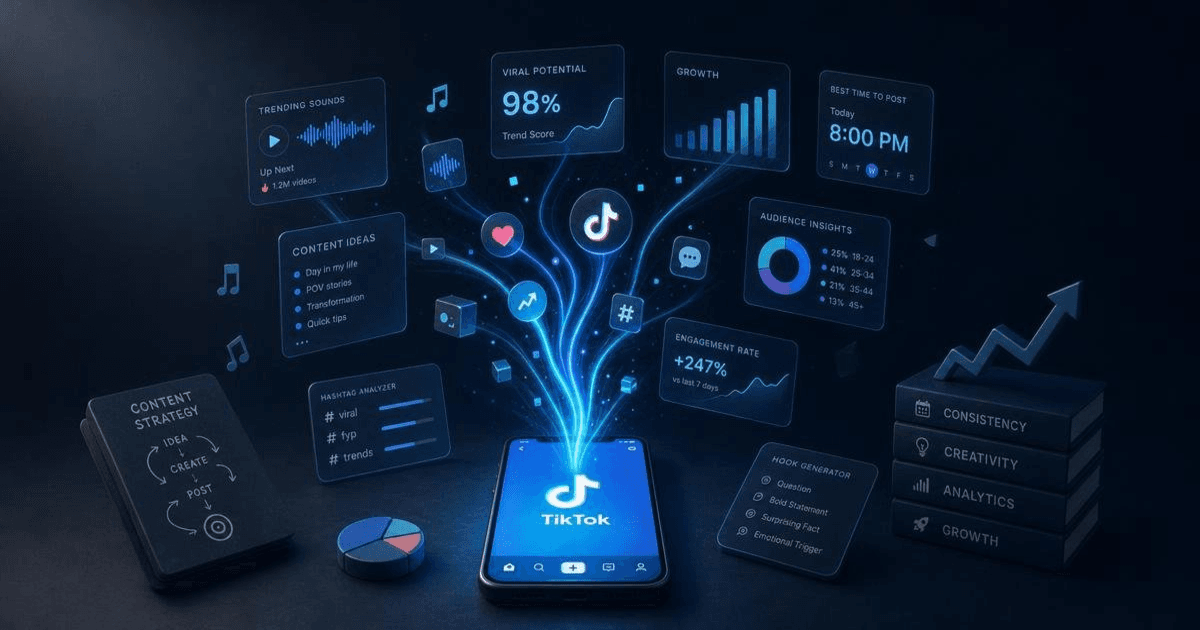
The best AI tools for TikTok creators in 2026 — scripting, captions, and trend research. Honest breakdown of what each does and which combination works.
Read article
Article
Pasting a blog post into ElevenLabs and pressing play doesn't produce good narration. The AI Voiceover for YouTube analyzes your script, rewrites it for spoken delivery, adds pacing cues, and generates a TTS prompt that actually sounds human — in one step.
Read article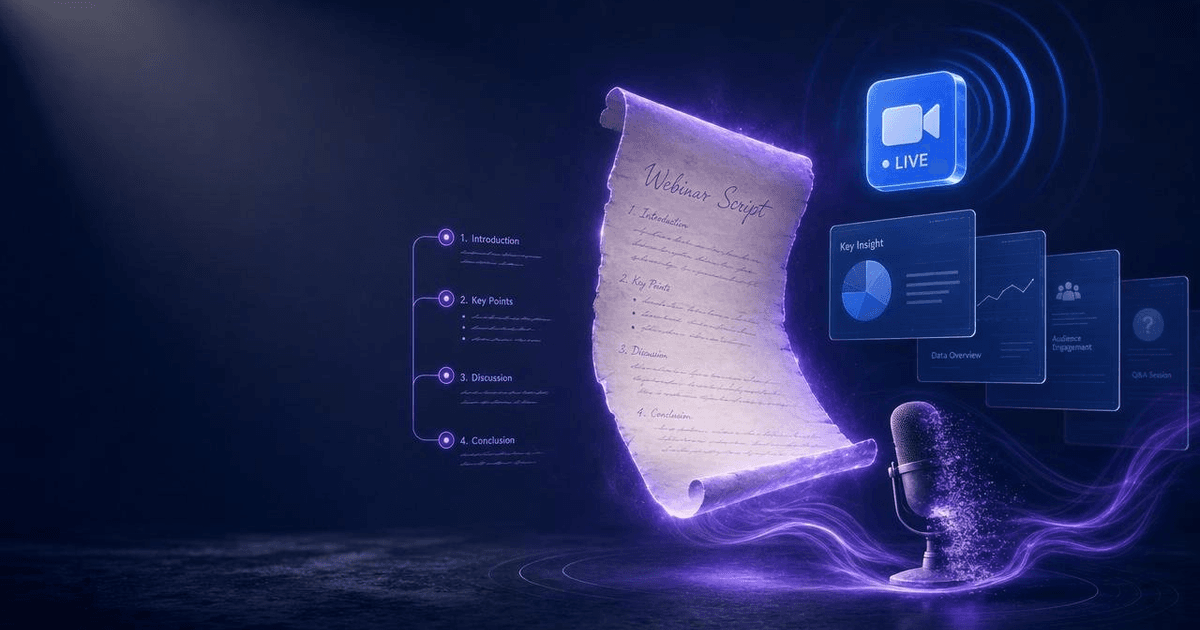
Article
Most webinar scripts fail because they treat the entire hour as a teaching session. The AI Webinar Script Generator builds a structured 60-minute script around a proven framework — with engagement checkpoints, objection handling, a bridge to your offer, and a post-event follow-up sequence.
Read article
Who this is for
One of 28 skills bought together in a single bundle checkout, 2026-06-03.