
Course Lesson Script Generator
$7.00·New
Write complete, engaging lesson scripts from a title and objectives, with hook, structured sections, engagement checks, and a bridge to the next lesson.

Turn your course idea into a complete curriculum with lesson plans, pricing strategy, and launch sequence, ready to build, not just think about.
CreatorSkills
Maker
Updated Aug 20, 2026
“I want to make a course on YouTube growth for creators under 10K subs. Build me a full curriculum”
“I'm a wedding photographer who wants to teach editing in Lightroom. Help me structure a course from beginner to advanced”
“Build me a 6-week cohort curriculum for teaching freelance copywriting to beginners”
“I want to turn my 'how I make $5K/month on Etsy' content into a paid course. Help me design the whole thing”
Save More
Get it bundled with other skills at a discount.
Pairs well
Write complete, engaging lesson scripts from a title and objectives, with hook, structured sections, engagement checks, and a bridge to the next lesson.

Plan your full course launch with a pre-launch checklist, pricing structure, launch timeline, and post-launch debrief in one session.

Write high-converting sales pages for your online course, complete with headlines, objection handlers, and urgency triggers that turn visitors into buyers.

Write a 60-minute high-converting webinar script and plan the full live event: engagement prompts, tech checks, and follow-up included.
From the blog

Article
Most self-published books fail before launch. The KDP Self-Publishing Launch Kit builds the research, metadata, and 21-day launch plan that separates books that sell from books that sit.
Read article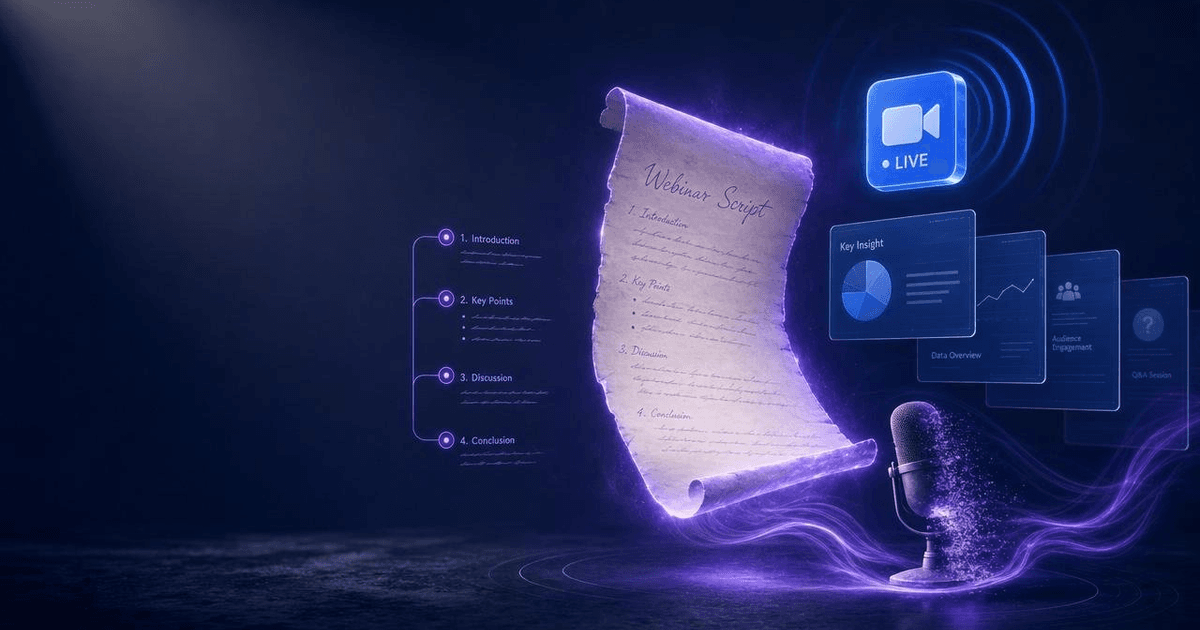
Article
Most webinar scripts fail because they treat the entire hour as a teaching session. The AI Webinar Script Generator builds a structured 60-minute script around a proven framework, with engagement checkpoints, objection handling, a bridge to your offer, and a post-event follow-up sequence.
Read article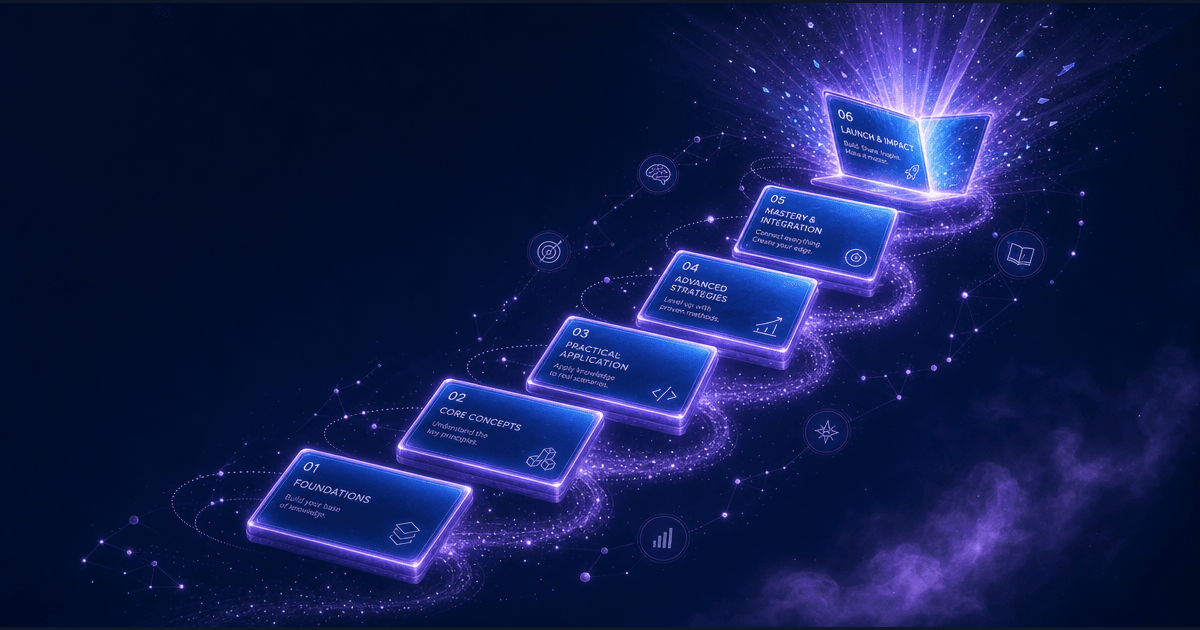
Article
Most course launches fail not because the course is bad, but because the launch was unstructured. The Online Course Launch Planner runs a pre-launch readiness audit, builds a 7, 14, or 21-day launch calendar, and generates the asset plan, email sequence, and post-launch debrief structure that most creators never build.
Read article
Who this is for
One of 51 skills in the Complete Creator Toolkit bundle: bundle purchased in full three times since 2026-08-03, most recently 2026-08-20.