






1 · Pick
A workflow that matches your bottleneck
Browse by job-to-be-done: scripts, thumbnails, repurposing, analytics. Not by prompt category. Each skill solves one specific creator task.
Skills are reusable workflow instructions you install in your AI tool.

Stop paying $20–50 per Fiverr thumbnail. 3 thumbnail concepts built for click-through plus paste-ready AI image prompts in 2 minutes.
Image Generation for Thumbnails · Claude · ChatGPT · Universal · $7
60-second install in Claude, ChatGPT, Cursor, Claude Code, Grok Bot, Muse, or OpenAI dots
Look inside
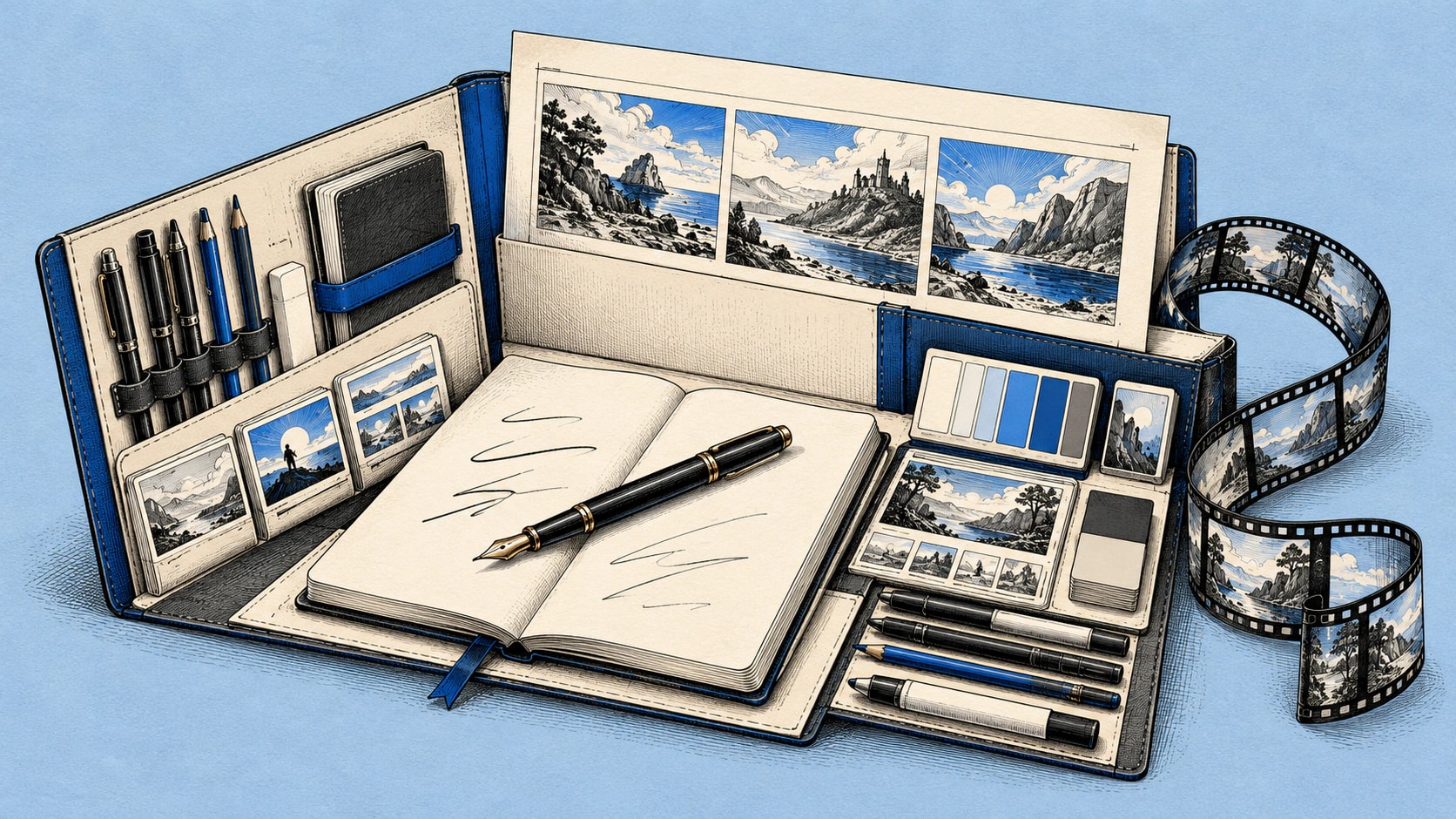
The YouTube SEO System, file for file: five instruction modules, a README and a worked example.
First time here?
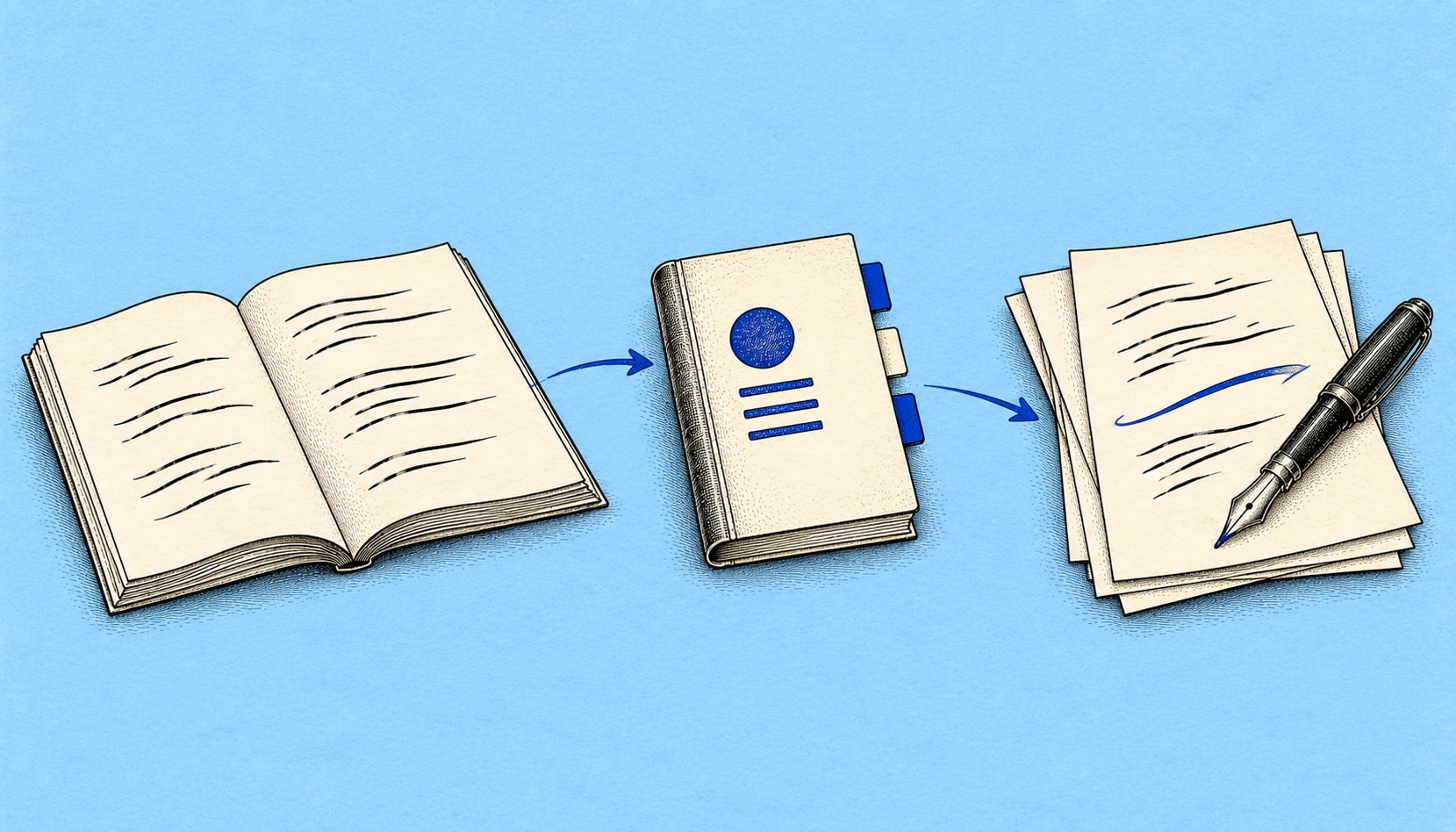
Not a prompt. Not a course. A pre-built workflow file you install into Claude, ChatGPT, Cursor, Claude Code, Grok Bot, Muse, or OpenAI dots once, then reuse for a specific creator task: scripting a long-form video, repurposing one recording into five platforms, and more.
1 · Pick
Browse by job-to-be-done: scripts, thumbnails, repurposing, analytics. Not by prompt category. Each skill solves one specific creator task.
2 · Install
Skills export as SKILL.md (Claude, Claude Code; paste those same instructions into Grok Bot, Muse, or OpenAI dots) or .mdc (Cursor). Install once and the workflow is ready every time you open the project.
3 · Reuse
The workflow stays in place. Bring a new topic, then review and adapt each draft before publishing.
New to the category? Try one of the free skills first, no card required, same install path as the paid ones.
89+ creator workflow systems in the catalog, each built to save hours of repeat work every month.
Writing workflows
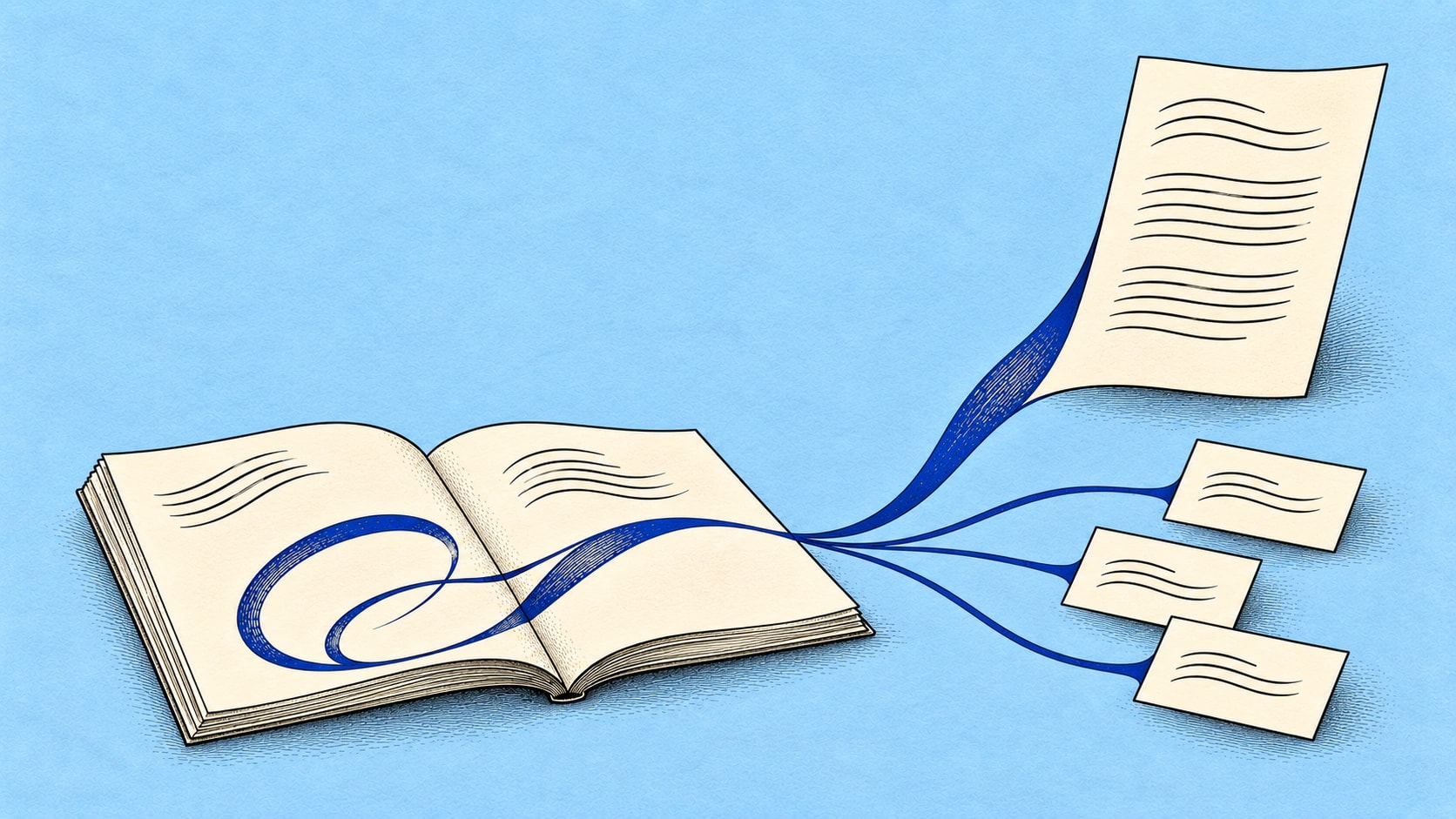
Start with a transcript, post, or brief. Use an installed skill in your AI tool to shape it into a newsletter or thread, then edit the draft in your own voice.
Bring your source
Supply the transcript or brief the skill asks for.
Use the skill
Follow the installed workflow in your compatible AI tool.
Review your draft
Check facts, adapt the voice, and edit before publishing.
Three ways to get an AI tool doing creator work, and where each one fits.
| Feature | Free Prompt Libraries | ChatGPT Store (GPTs) | Creator Skills |
|---|---|---|---|
| What you get | A prompt you paste in | A chatbot you open inside ChatGPT | A set of skill files: instructions, a README, and worked examples |
| Where it runs | Any chat tool you paste it into | ChatGPT only | Claude, ChatGPT, Cursor, Claude Code, Grok Bot, Muse, OpenAI dots |
| Each time you use it | Paste it again and fill in the gaps | Open the GPT and start a chat | Already in your AI tool once installed |
| Can you change it | Yes, it is plain text | Only the GPT's author can | Yes, you get the files |
| Cost | Usually free | Included in ChatGPT | $7 per skill, one-time, or start with a free skill |
What a skill can't replace: you still need your own account on one of those AI tools, and if you want a chatbot other people can open, a GPT is the better fit.
No, and here's the honest difference.
A prompt library gives you text to paste into ChatGPT or Claude, one task at a time, and you paste it again every time.
A Creator Skill is a workflow system made of several files that work together: core instructions, a README, and worked examples. Install it once, and it is there every time the task comes up.
Think of it this way: a prompt is a single recipe. A skill is the whole cookbook, organized by meal type, with shopping lists, substitution guides, and plating tips included.
Not at all. Unlike the ChatGPT Store, your skills aren't locked to one platform. The same skill works across Claude, ChatGPT, Cursor, Claude Code, Grok Bot, Muse, and OpenAI dots. You own it completely, with no subscriptions, lock-in, or platform dependency.
Each skill page shows the date it was last updated, and your library always downloads the current version of anything you bought.
Stop paying $20–50 per Fiverr thumbnail. 3 thumbnail concepts built for click-through plus paste-ready AI image prompts in 2 minutes.
Write a complete YouTube script in 15 minutes: hooks, retention loops, pacing markers, B-roll notes, and a CTA that doesn't feel forced.
Get 5 scroll-stopping hooks for any video topic in under 2 minutes. Built on 12 hook archetypes for Shorts, Reels, and TikToks.
Turn one YouTube video into 15+ pieces of content (Twitter threads, LinkedIn posts, newsletters, Shorts scripts, and more), in a single session.
Start here
5 essential skills · $35 value · instant download · lifetime access
What's included