
Audience Persona Builder
$7.00·New
Figure out who actually watches your stuff. A guided interview that turns your hunches into a real audience profile.

Paste your best writing, get a custom voice profile that makes Claude, ChatGPT, and Gemini write exactly like you — across every platform.
CreatorSkills
Maker
Updated Aug 20, 2026
“Here are 5 of my YouTube scripts [paste]. Figure out how I write and build me a voice profile”
“Analyze my writing style from these tweets and Instagram captions — I want to use this in every AI tool I have”
“I write differently on LinkedIn vs Twitter. Help me document both versions of my voice”
“Read my last 3 newsletter issues and tell me what makes my writing style distinct”
Save More
Get it bundled with other skills at a discount.
Pairs well
Figure out who actually watches your stuff. A guided interview that turns your hunches into a real audience profile.

Find out if buyers used what they bought — and bring them back. Automated 3-question survey with NPS tracking, 15% incentive code, and Day 14 follow-up.

Turn a dry script into a punchy, narrated YouTube video — complete voiceover directions, TTS prompts, and pacing cues in one step.

Build a personal productivity system for creators — goal tracking, project management, time blocking, and content planning in one connected workspace.
From the blog
Article
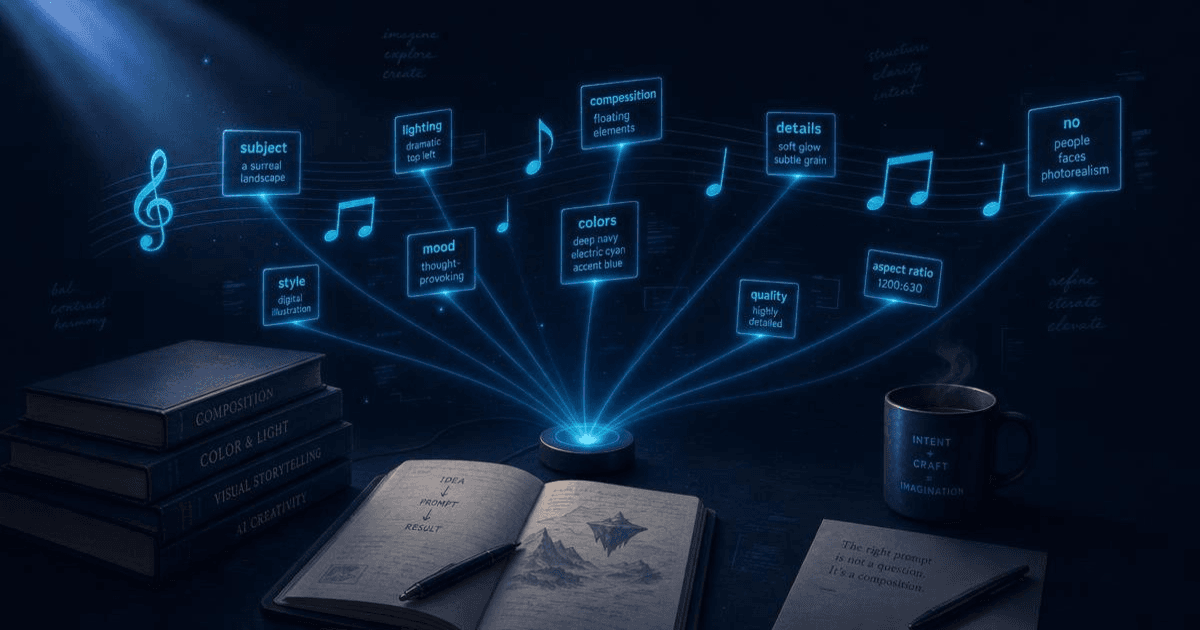
The best AI prompts for content creators in 2026 — scripting, repurposing, captions, and hooks. Organized by workflow stage with examples that work.
Read article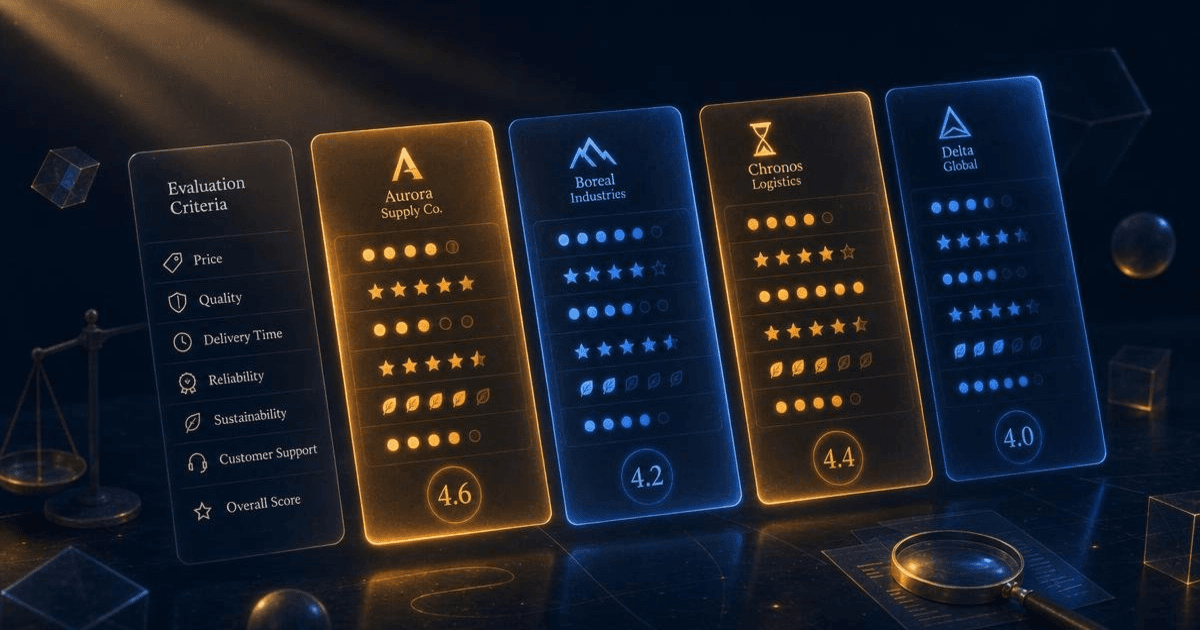
Article
The best AI skills marketplaces for content creators in 2026: CreatorSkills, PromptBase, the GPT Store, FlowGPT, and Anthropic's built-in options compared.
Read article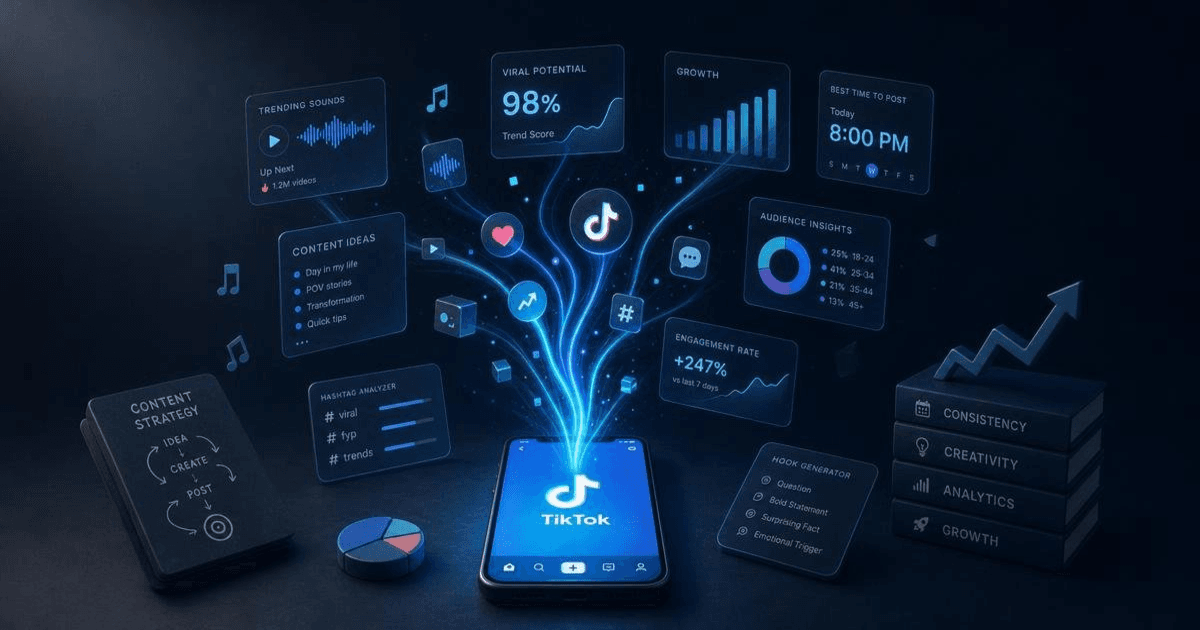
Article
The best AI tools for TikTok creators in 2026 — scripting, captions, and trend research. Honest breakdown of what each does and which combination works.
Read article
Who this is for
Bought in 4 separate checkouts since 2026-04-06, most recently 2026-08-20 — including two full runs of the 51-skill Complete Creator Toolkit bundle.