
AI Script Writer for YouTube
$7.00·New
Turn any video topic into a complete, ready-to-film script with hooks, pacing markers, and B-roll direction.

Write a complete YouTube script in 15 minutes — hooks, retention loops, pacing markers, B-roll notes, and a CTA that doesn't feel forced.
CreatorSkills
Maker
Updated Aug 20, 2026
“Write a 15-minute script about why most productivity advice is wrong and what actually works”
“I have a rough outline about camera gear for beginners — turn it into a full script with hooks and B-roll notes”
“Write me a script for my 'day in my life as a full-time YouTuber' video that doesn't feel generic”
“I'm doing a video essay about the decline of late night TV — help me script the whole thing”
Save More
This skill is part of the Creator Starter Pack. Get all 5 — script, hook, title, thumbnail, analytics — for $19 (save $16).
Get it bundled with other skills at a discount.
View all 4 packs →Pairs well
From the blog
Article
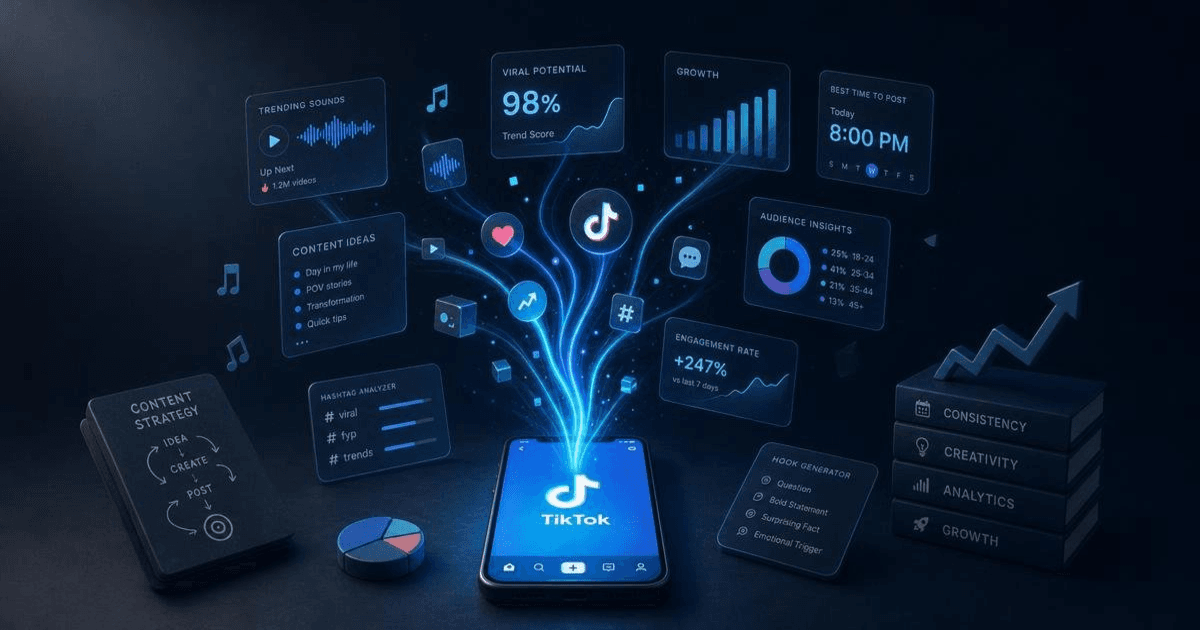
The best AI tools for TikTok creators in 2026 — scripting, captions, and trend research. Honest breakdown of what each does and which combination works.
Read article
Article
Pasting a blog post into ElevenLabs and pressing play doesn't produce good narration. The AI Voiceover for YouTube analyzes your script, rewrites it for spoken delivery, adds pacing cues, and generates a TTS prompt that actually sounds human — in one step.
Read articleGo from a rough idea to a filmable script — hook, talking points, and a CTA that doesn't sound desperate.
Get 5 scroll-stopping hooks for any video topic in under 2 minutes. Built on 12 proven archetypes for Shorts, Reels, and TikToks.
Manually timestamping a 20-minute video takes 20 minutes and the chapters still read generic. This skill reads your script and outputs ready-to-paste timestamps with SEO-friendly titles — in under 3 minutes.
Article
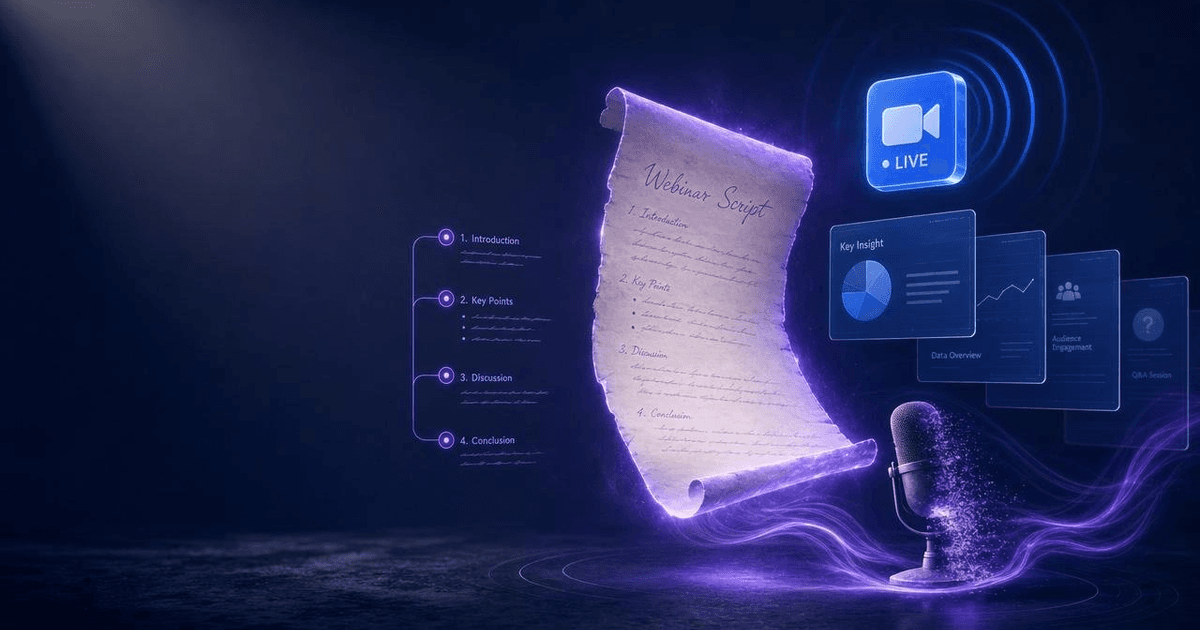
Most webinar scripts fail because they treat the entire hour as a teaching session. The AI Webinar Script Generator builds a structured 60-minute script around a proven framework — with engagement checkpoints, objection handling, a bridge to your offer, and a post-event follow-up sequence.
Read article


Who this is for
One of 51 skills in the Complete Creator Toolkit bundle — bundle purchased in full three times since 2026-08-03, most recently 2026-08-20.