Scripts & Outlines$7.00
Long-Form Script System
Write a complete YouTube script in 15 minutes — hooks, retention loops, pacing markers, B-roll notes, and a CTA that doesn't feel forced.

Never stare at a blank upload schedule again — get 10 specific, ready-to-film content ideas for any niche in seconds.

CreatorSkills
Maker
Updated Jun 3, 2026
“Give me 10 video ideas for my channel about budgeting for people in their 20s”
“I make content about mechanical keyboards — brainstorm ideas that would work for both beginners and enthusiasts”
“I've been making travel vlogs for 2 years and I'm running out of ideas — what should I make next?”
“My fitness channel is stuck at 15K subs — brainstorm ideas that might help me break through to a wider audience”
Keep Exploring
Browse the full free library to find more installable creator systems for scripts, thumbnails, repurposing, research, and other repeatable tasks.
Recommended Next
Paid systems in the same lane that keep the workflow moving.
Write a complete YouTube script in 15 minutes — hooks, retention loops, pacing markers, B-roll notes, and a CTA that doesn't feel forced.
Get 5 scroll-stopping hooks for any video topic in under 2 minutes. Built on 12 proven archetypes for Shorts, Reels, and TikToks.
Manually timestamping a 20-minute video takes 20 minutes and the chapters still read generic. This skill reads your script and outputs ready-to-paste timestamps with SEO-friendly titles — in under 3 minutes.
Pairs well
From the blog

Article
The best AI tools for TikTok creators in 2026 — scripting, captions, and trend research. Honest breakdown of what each does and which combination works.
Read article
Article
Pasting a blog post into ElevenLabs and pressing play doesn't produce good narration. The AI Voiceover for YouTube analyzes your script, rewrites it for spoken delivery, adds pacing cues, and generates a TTS prompt that actually sounds human — in one step.
Read articleGet 5 scroll-stopping hooks for any video topic in under 2 minutes. Built on 12 proven archetypes for Shorts, Reels, and TikToks.
Manually timestamping a 20-minute video takes 20 minutes and the chapters still read generic. This skill reads your script and outputs ready-to-paste timestamps with SEO-friendly titles — in under 3 minutes.
Turn any video topic into a complete, ready-to-film script with hooks, pacing markers, and B-roll direction.
Article
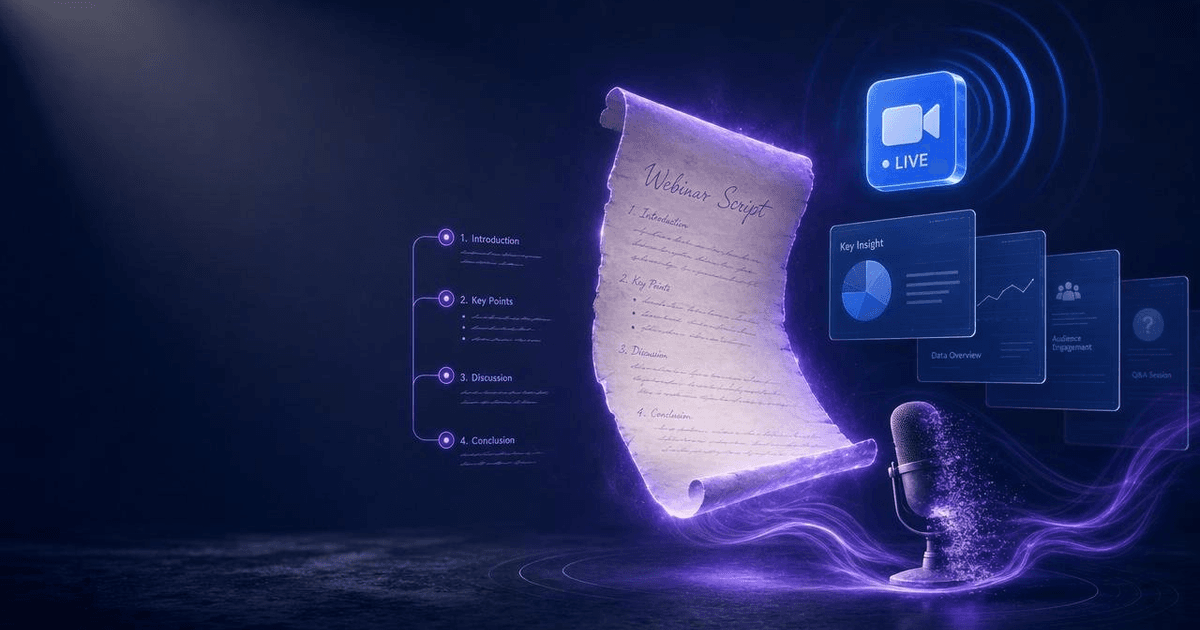
Most webinar scripts fail because they treat the entire hour as a teaching session. The AI Webinar Script Generator builds a structured 60-minute script around a proven framework — with engagement checkpoints, objection handling, a bridge to your offer, and a post-event follow-up sequence.
Read article


Who this is for
One of 28 skills bought together in a single bundle checkout, 2026-06-03.