
Community Post Calendar
$7.00·New
90 days of YouTube Community tab posts — polls, questions, behind-the-scenes updates — written and ready to paste. 3 posts per week, 15 post types.

Set up a professional Twitch stream from scratch with scenes, overlays, audio, and go-live workflow.

CreatorSkills
Maker
Updated Aug 20, 2026
Save More
Get it bundled with other skills at a discount.
Pairs well
90 days of YouTube Community tab posts — polls, questions, behind-the-scenes updates — written and ready to paste. 3 posts per week, 15 post types.

Plan and write a full week of LinkedIn content in 15 minutes — posts, hooks, hashtags, and posting schedule included.

Your audience writes 50+ comments per video. Replying builds loyalty — but it eats an hour you don't have. This skill writes replies in your voice in 10 minutes.

Build a repeatable LinkedIn authority system that turns your expertise into stronger posts, better conversations, and qualified inbound leads.
From the blog
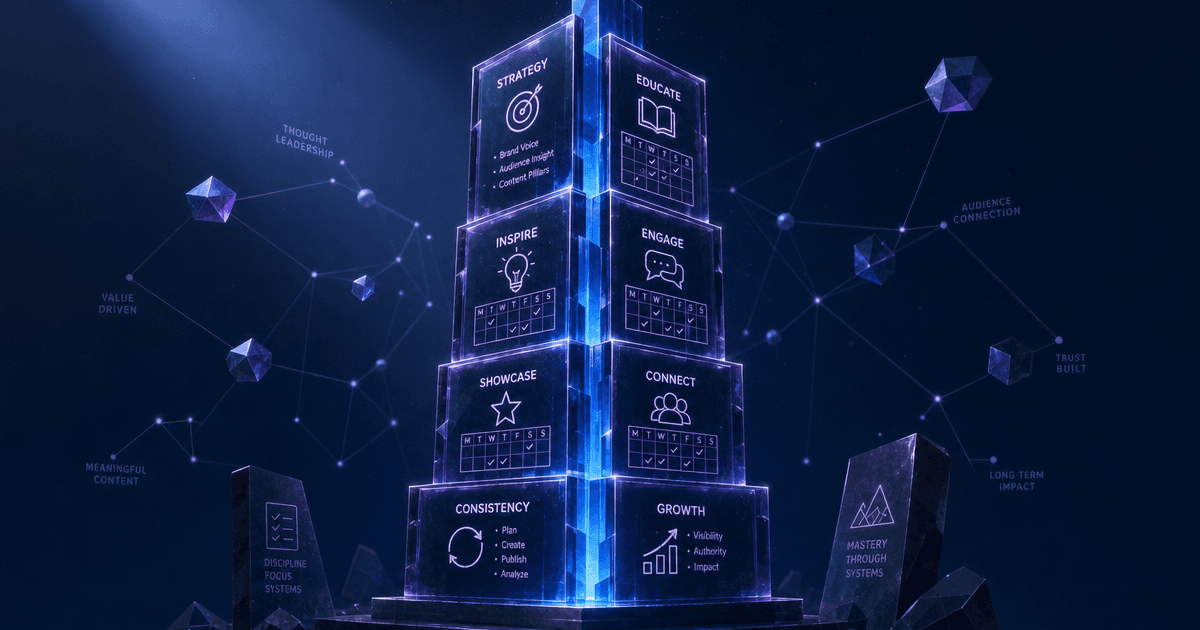
Article
The LinkedIn Authority Engine ($7) is an installable AI skill for Claude and ChatGPT that builds your complete LinkedIn content system — positioning, content pillars, 2-week post sprint, and lead follow-up prompts.
Read article
Article
The Twitter/X Growth Engine ($14) is an installable AI skill for Claude and ChatGPT that covers the complete X growth workflow for content creators — profile optimization, content pillars, post formats, reply strategy, and a follower-to-email conversion funnel.
Read article
Article
How to grow on Twitch from zero in 2026 using AI — cut post-stream work from 3 hours to 30 min. Real tactics new streamers use to reach their first 100 viewers.
Read article
Who this is for
One of 51 skills in the Complete Creator Toolkit bundle — bundle purchased in full three times since 2026-08-03, most recently 2026-08-20.