Channel Banner
Matching channel art built from one brand direction
Channel Brand Kit
Write your briefSample result, from a real run
Made from this brief: Desk Hours
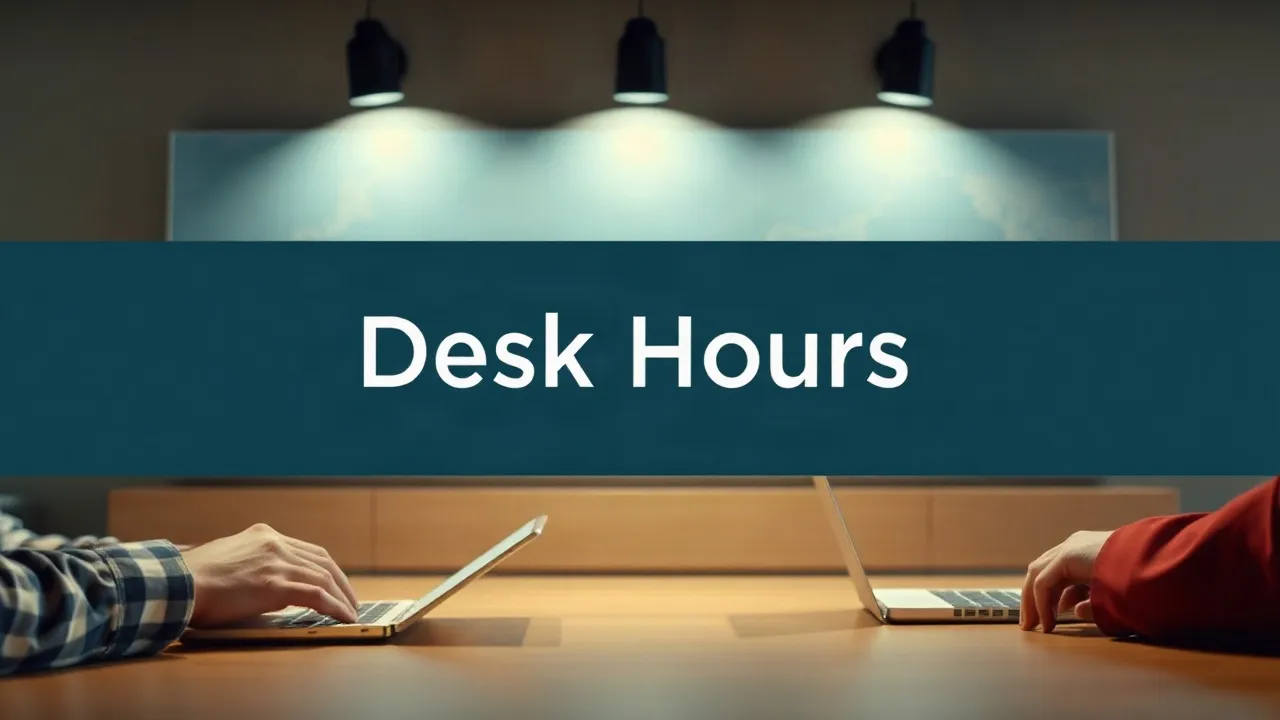
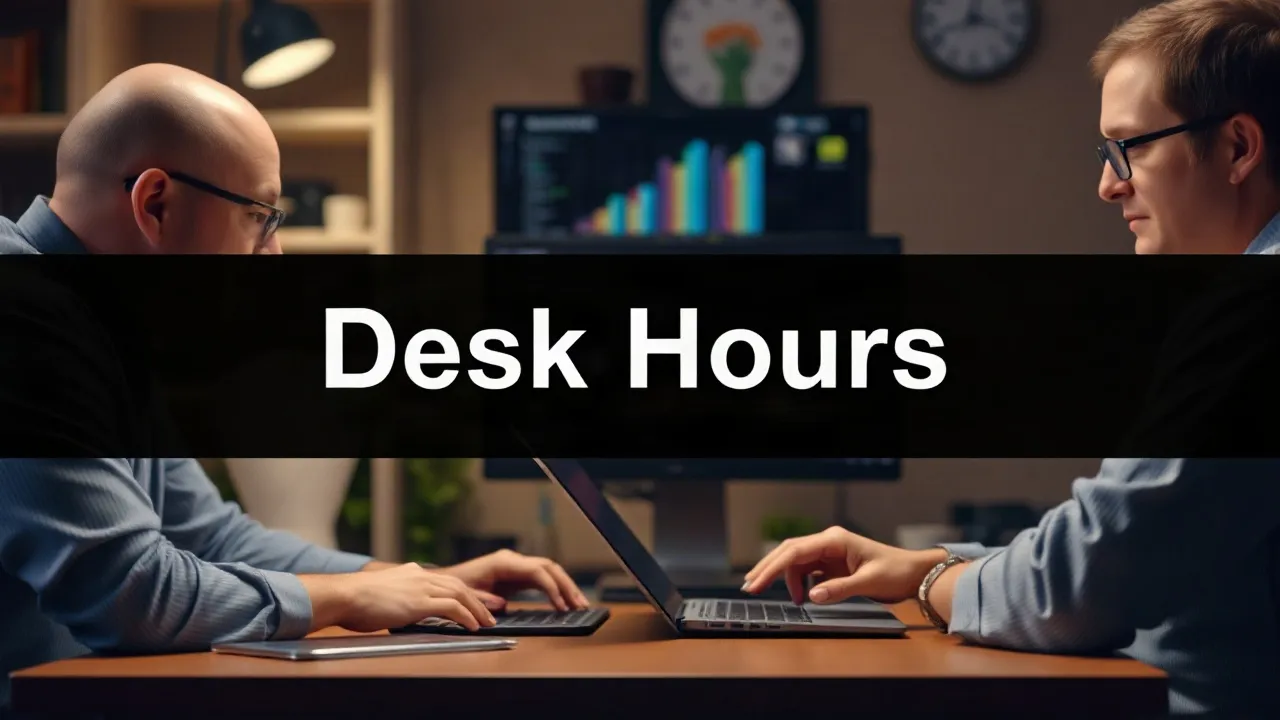
Colour Palette
Primary
#2F4F7F
Dominant background for banners and thumbnails
Secondary
#6495ED
Accent use for text, dividers, and small shapes
Accent
#FFC107
Used sparingly for one element per asset, never dominant
Neutral
#F7F7F7
Base tone behind everything for balance
Full text
Brand Mood & Style Guide: Desk Hours
Niche: Weekly deep-dives on creator operations for people who already ship every week · Platforms: YouTube
Colour Palette
- Primary: #2F4F7F - Dominant background for banners and thumbnails
- Secondary: #6495ED - Accent use for text, dividers, and small shapes
- Accent: #FFC107 - Used sparingly for one element per asset, never dominant
- Neutral: #F7F7F7 - Base tone behind everything for balance
This palette combines professional blues with a vibrant, energetic orange accent, evoking a sense of calm expertise and technical warmth that fits perfectly with the creator operations niche and the vibe words "calm, technical, warm". The blues also bring a trustworthy, reliable feel that resonates with weekly deep-dive content.
Mood & Tone
The overall mood should be calm and informative, with an emphasis on showcasing the technical aspects of creator operations. Lighting should be soft and natural, composition should be minimal to highlight the key points, and texture should lean towards a clean, digital feel to reflect the technical nature of the content.
Typography Treatment
- Primary treatment: Bold sans, sentence case, for titles and headings
- Generated text is safe for: Background typographic texture, abstract lettering used as a design element
- Add manually instead: Channel name, tagline, panel labels, schedule to ensure legibility and on-brand appearance
Layout & Safe Areas: Desk Hours
YouTube Banner - 2560×1440px
- Safe area: 1546 × 423px, centred
- Zone plan: Left third for decorative elements, centre for key information, right third for secondary details
- Manual text to add: "Desk Hours" (channel name), "New videos Tuesday" (tagline)
- Crop check: Ensure key information is visible on mobile devices
YouTube End Screen - 1920×1080px
- Reserved: Bottom-right circular subscribe button (~250 × 250px) and one or two suggested-video cards (~410 × 230px each, typically centre and right)
- Zone plan: Top and left thirds for visual interest, avoiding reserved areas
- Manual text to add: "Thanks for watching! New videos every Tuesday"
- Crop check: Verify that key information and visuals are clear on various devices
YouTube Avatar - 800×800px minimum
- Legibility target: Identifiable at 48 × 48px
- Zone plan: Centre of the avatar for the main icon or logo, ensuring clarity and recognition
- Manual text to add: None, as the avatar should be a simple, recognizable symbol
- Crop check: Ensure the avatar remains recognizable when resized
How it works
Add your channel name
Exactly as it should appear on the banner. This is the one word on the page a viewer has to remember.
We draft it
The app works through its steps and hands back:
- Banner Images
- Style Guide
- Layout Specs
Refine and export
Change the brief and run it again, or open the full run to read, copy and download each file.
Questions
What is a credit?
The unit a run is priced in. Each app has a fixed price in credits, shown on its Generate button, and a run costs exactly that. Nothing is metered by length or time.
Am I charged if a run fails?
No. Starting a run holds the credits rather than spending them. The hold becomes a charge only when the run succeeds; a failed or cancelled run releases it.
Can I edit the brief and run it again?
Yes. Change any input and press Generate again, or open an earlier run and choose Adjust and run again to start from a copy of its brief. Uploaded files need attaching again. Each run is new and costs the applet's price; the earlier run stays as it was.
Where are my results kept?
Every run you start is listed under Your runs at /create/runs. Each one opens its own page, where you can read, copy and download the files it produced.
More apps
All Thumbnails apps- Thumbnail MakerRanked thumbnail concepts and finished image candidatesTry it · 12 credits
- Cover MakerVertical graphics from a quote, takeaway or hookTry it · 10 credits
- Test ReaderYour thumbnail test numbers, turned into a decisionTry it · 5 credits
- Voice GuideYour writing samples, turned into a reusable voice guideTry it · 4 credits