AI Tools for Twitch Streamers: What to Buy First
The strongest CreatorSkills buying path for Twitch streamers starts with turning streams into clips and follow-up content, then expands into community, analytics, and sponsorship systems.
The best AI tools for Twitch streamers are the tools that help you turn live attention into repeatable content and a stronger creator business.
That means the first question is not, "What AI tool is coolest?" The first question is, "Where does my Twitch workflow actually break?"
If you also stream on Kick, check out our AI tools for Kick streamers guide — the buying paths overlap but the platform nuances differ. For most buyers, it breaks in one of four places:
- clips and post-stream content
- community touchpoints between streams
- understanding what to do next
- sponsor and partnership readiness
If you buy in that order, each workflow builds on the one before it.
What makes Twitch different for AI tool buying
Twitch has platform-specific mechanics that change which AI tools matter most and when.
Subs, Bits, and Raids create a built-in monetization layer that other platforms lack. Subscriptions (especially gift subs) and Bit donations mean you can earn revenue without any external offer or sponsor. That means your first AI investment should focus on growing the audience that feeds those revenue streams — repurposing and community tools come before monetization systems.
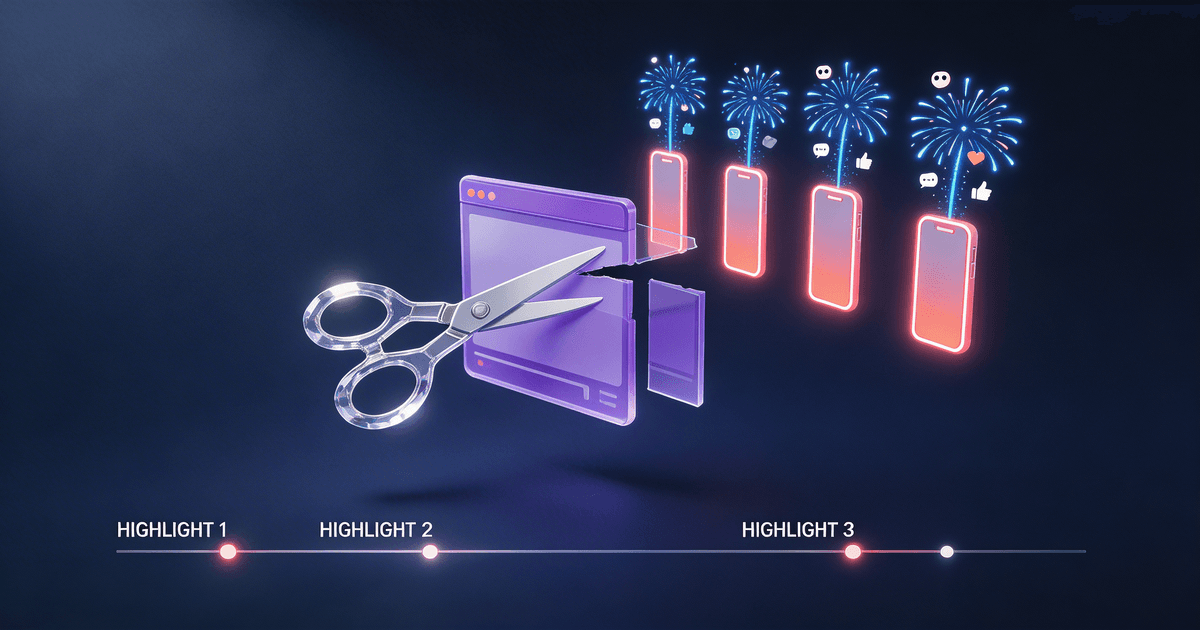
The VOD and Clip system gives you a built-in content archive. Every stream automatically generates a VOD, and viewers can create clips of highlights. That's free source material sitting in your dashboard. A repurposing workflow that pulls from VODs and clips can turn your archive into weeks of social content. For a full breakdown of that strategy, read our guide on turning Twitch clips into viral shorts.
Affiliate vs. Partner tiers shape your growth strategy. Affiliates unlock subs and Bits at 50 followers. Partners unlock better revenue splits, priority support, and custom emotes at much higher thresholds. If you're pushing toward Partner, an Analytics Translator helps you identify which content patterns are actually moving the metrics Twitch uses for Partner evaluation. New to the grind? Our Twitch stream setup guide covers the technical foundation.
Raids and hosting create a unique growth mechanic where established streamers can send their entire live audience to your channel. Building relationships that lead to raids is a community and outreach problem — exactly the kind of work a Community Post Calendar and structured outreach system can support.
These Twitch-specific mechanics mean your buying priority should be: repurpose your VODs and clips first, build community consistency second, then add analytics to target the metrics that matter for your tier progression.
What should a Twitch streamer buy first?
| If your problem is... | Best first buy | Why |
|---|---|---|
| Great moments happen live but never turn into clips or posts | Video-to-Everything Repurposer | Creates post-stream leverage from the footage you already have. |
| Community energy drops between streams | Community Post Calendar | Gives you a repeatable structure for updates, callbacks, and audience touchpoints. |
| You are streaming consistently but not learning quickly | Analytics Translator | Turns post-stream numbers into decisions about topics, formats, and follow-up. |
| You are growing but sponsor conversations are still improvised | Sponsor Deal Calculator & Pitch | Gives you a more structured way to price and pitch brand work. |
| You want one broader starting bundle | Content Machine Pack | Good when your biggest need is turning streams into more downstream content. |
Best first buy for most Twitch streamers
For most Twitch buyers, Video-to-Everything Repurposer is the best first purchase.
Why? Because Twitch creators usually generate more source material than they distribute.
One stream can create:
- short-form clips
- social posts
- recap threads
- newsletter notes
- angle tests for the next stream
If none of that ships, the broadcast stays trapped inside the live window. Repurposing fixes the highest-leverage problem first. Our guide on turning Twitch clips into viral shorts digs deeper into the clip-first distribution strategy.
When community should come first instead
Buy Community Post Calendar before repurposing if your audience connection is weak between streams.
That is the better move when:
- viewers show up live but do not return consistently
- you struggle to post between broadcasts
- your updates feel random instead of connected to the stream narrative
Twitch is not just a live slot on the calendar. The stronger creators build continuity between sessions. A community system helps you do that without improvising every touchpoint. For a full guide on growing your audience from scratch, read how to build a Twitch audience from zero. For community-building tactics across all platforms, see how to build an engaged community with AI.
When analytics is the better second buy
Buy Analytics Translator when content is shipping but the next move is unclear.
This is useful when you are asking:
- which stream themes deserve more attention?
- what created the strongest downstream clips?
- which sessions pulled the best conversion into follows, email, or offers?
Analytics is not the best first buy for most Twitch creators because first you need consistent output to analyze. But once clips, recaps, and follow-up content are shipping, analytics becomes a better decision tool.
Where sponsor systems fit for Twitch creators
If Twitch is becoming a real business, Sponsor Deal Calculator & Pitch becomes one of the most valuable next purchases.
It is the right buy when:
- brand conversations feel unstructured
- rates are inconsistent
- you need a cleaner story around the value you create
Monetization workflows matter because audience growth without pricing discipline creates friction later. A better sponsor system helps you capture the business value your audience already represents.
Should a Twitch streamer buy a skill or a pack?
Buy a single skill first if the bottleneck is obvious.
Examples:
- clips are the problem: buy Video-to-Everything Repurposer
- community is the problem: buy Community Post Calendar
- sponsor readiness is the problem: buy Sponsor Deal Calculator & Pitch
Buy a pack when several parts of the workflow need help together.
The best starting packs and workflows for Twitch buyers are:
- Content Machine Pack for stream-to-post distribution
- Freelancer Workflow for offers, pricing, and monetization
- The Complete Creator Toolkit for a wider creator-business system
Recommended buying paths for Twitch streamers
Variety streamer with lots of moments but weak distribution
Start with Video-to-Everything Repurposer, then add Content Machine Pack if you want the broader content engine.
Community-led streamer who needs a stronger between-stream rhythm
Start with Community Post Calendar, then add Video-to-Everything Repurposer.
Twitch streamer building sponsorship revenue
Start with Sponsor Deal Calculator & Pitch, then add Analytics Translator so your pitch and your content direction get stronger together.
Final recommendation
If you stream on Twitch, buy the workflow that creates more leverage from the audience you already earn.
That usually means:
- Video-to-Everything Repurposer
- Community Post Calendar
- Analytics Translator or Sponsor Deal Calculator & Pitch
If you want the quickest overview before you buy, go straight to the streamer workflow hub. For a broader comparison of AI tools across all streaming platforms, see our best AI tools for streamers roundup. And if you want a wider view of the must-have creator workflows, read 5 AI skills every creator should install.
About the author
Founder, CreatorSkills
Caleb Leigh is the founder of CreatorSkills and focuses on buyer-first AI workflows for content creators.
Read the founder profile