Other$7.00
Brand Voice Codex
Paste your best writing, get a custom voice profile that makes Claude, ChatGPT, and Gemini write exactly like you — across every platform.

Stop sounding like everyone else. Get platform-optimized bios for YouTube, Instagram, TikTok, Twitter, and LinkedIn — all from a single input.

CreatorSkills
Maker
Updated Apr 17, 2026
“Write my bios for all platforms — I'm a tech reviewer who focuses on budget smartphones and I've been doing this for 3 years”
“I'm a fitness creator on Instagram and TikTok focused on home workouts for busy people — give me bios for both”
“Create a full bio suite for my personal finance channel. My angle is 'investing for regular people, not finance bros'”
“I need a LinkedIn bio for when brands look me up — I'm a lifestyle creator with 45K YouTube subscribers”
Keep Exploring
Browse the full free library to find more installable creator systems for scripts, thumbnails, repurposing, research, and other repeatable tasks.
Recommended Next
Paid systems in the same lane that keep the workflow moving.
Paste your best writing, get a custom voice profile that makes Claude, ChatGPT, and Gemini write exactly like you — across every platform.
Figure out who actually watches your stuff. A guided interview that turns your hunches into a real audience profile.
Turn a dry script into a punchy, narrated YouTube video — complete voiceover directions, TTS prompts, and pacing cues in one step.
Pairs well
From the blog
Article
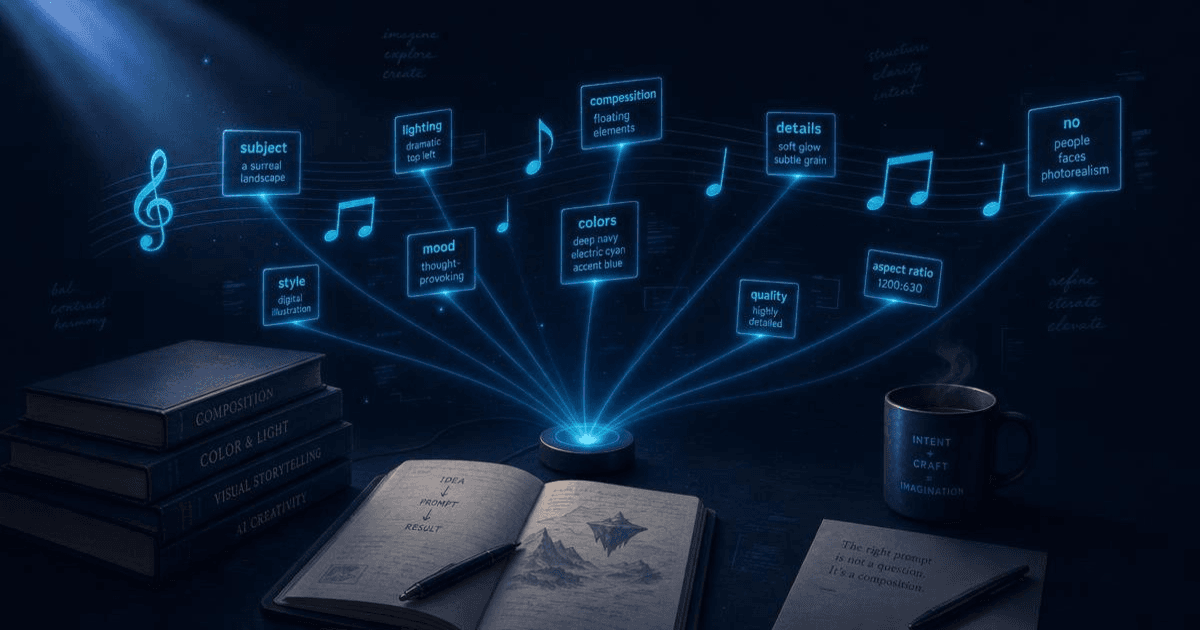
The best AI prompts for content creators in 2026 — scripting, repurposing, captions, and hooks. Organized by workflow stage with examples that work.
Read article
Article
The best AI skills marketplaces for content creators in 2026: CreatorSkills, PromptBase, the GPT Store, FlowGPT, and Anthropic's built-in options compared.
Read articleA full month of Instagram and LinkedIn captions, written and scheduled. Hashtags included.
Figure out who actually watches your stuff. A guided interview that turns your hunches into a real audience profile.
Stop paying $20–50 per Fiverr thumbnail. 3 CTR-tested concepts plus paste-ready AI image prompts in 2 minutes.
Article
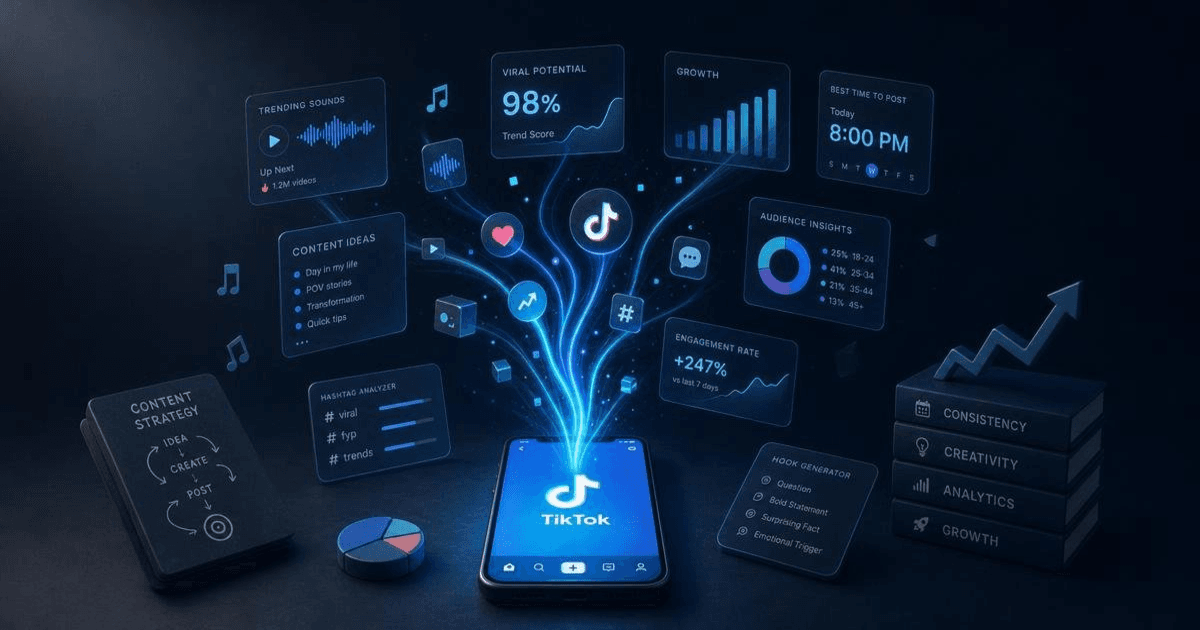
The best AI tools for TikTok creators in 2026 — scripting, captions, and trend research. Honest breakdown of what each does and which combination works.
Read article


