5 Creator Workflow Recipes That Save Hours Every Week
Five new CreatorSkills workflow recipes that handle the repeatable parts of content creation: research, repurposing, weekly review, outreach, and launch execution.
Most creators don't need more ideas. They need better systems for the work they already do every week.
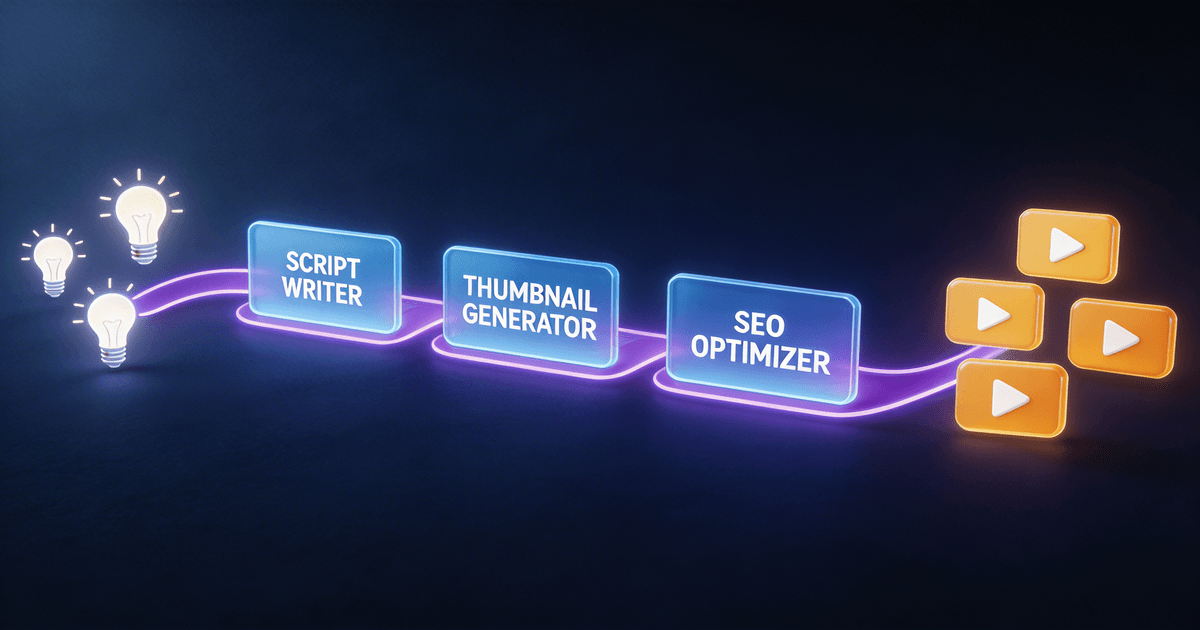
We shipped five workflow recipes designed for exactly that — repeatable systems you can run on Monday and still trust on Friday. Each one targets a specific bottleneck in the creator production cycle: research, distribution, review, outreach, and launches.
Here's what each recipe does and when to use it.
1) Creator Research-to-Script System
Turns rough notes, source links, and topic ideas into a structured script draft with narrative flow, fact-check prompts, and pacing cues. Instead of staring at a blank doc wondering where to start, you feed in your raw material and get back a workable first draft.
If you're already using the Long-Form Script System, this recipe pairs well as the research phase that feeds into it. The Script System handles structure and retention optimization — this recipe handles the messy part that comes before it. For more on how scripting systems speed up video production, see how one creator automated their YouTube workflow.
Best for: YouTubers, podcasters, and newsletter writers who spend too long going from "I have an idea" to "I have a first draft."
2) Content Repurpose Multichannel Pack
Takes one long-form source — a video transcript, blog post, or newsletter issue — and transforms it into platform-ready outputs for X, LinkedIn, YouTube Shorts, and email. Each output is adapted for the destination, not just trimmed and pasted.
This goes beyond what the Content Repurposing Planner does for individual pieces by chaining the steps together into one end-to-end workflow. If you want the full distribution engine, the Content Machine Pack bundles this approach with email conversion and caption support. Our content repurposing workflow guide walks through the strategy behind this approach.
Best for: Creators who publish long-form content and want to fill every platform without writing from scratch each time.
3) Weekly Creator Ops Review
Generates a scorecard from your past week — what shipped, what stalled, what performed — then identifies your top three bottlenecks and outputs specific next actions. Think of it as a weekly standup for your creator business, except the AI does the prep work.
Pairs especially well with the Analytics Translator if you want data-backed decisions alongside your weekly review. The Analytics Translator digs into platform metrics; this recipe focuses on operational rhythm and output tracking. Together they give you both the "what happened" and the "what to do next."
Best for: Full-time creators and anyone running a content business who wants a structured weekly reset instead of winging it.
4) Collaboration Outreach Conversion Pack
Builds personalized outreach emails, DM scripts, and follow-up sequences for brand partnerships and creator collaborations. Includes tracking-ready fields so you can manage multiple conversations without losing threads.
If brand outreach is your main focus, the Collaboration & Collab Pitch skill handles individual pitches with the same structured approach. This recipe goes wider — it's for the full outreach cycle from initial contact through follow-up to close. See our guide on how to land brand deals as a creator for the full outreach playbook, and check the Sponsor Deal Calculator if pricing is the sticking point.
Best for: Creators actively pursuing sponsorships, collaborations, or paid partnerships who need a repeatable outreach system.
5) Launch Day Creator Command Center
Creates a launch timeline, channel-ready promotional copy, and a response playbook for handling comments, questions, and objections on launch day. Covers the 24-hour window around a product drop, course launch, or major content release.
If you're launching a course, the Course Curriculum Architect handles the structural side while this recipe handles execution day. For broader launch support, the Newsletter Conversion Engine can handle the email side of your launch sequence.
Best for: Course creators, digital product sellers, and anyone who dreads the operational chaos of launch days.
Why recipes instead of prompts
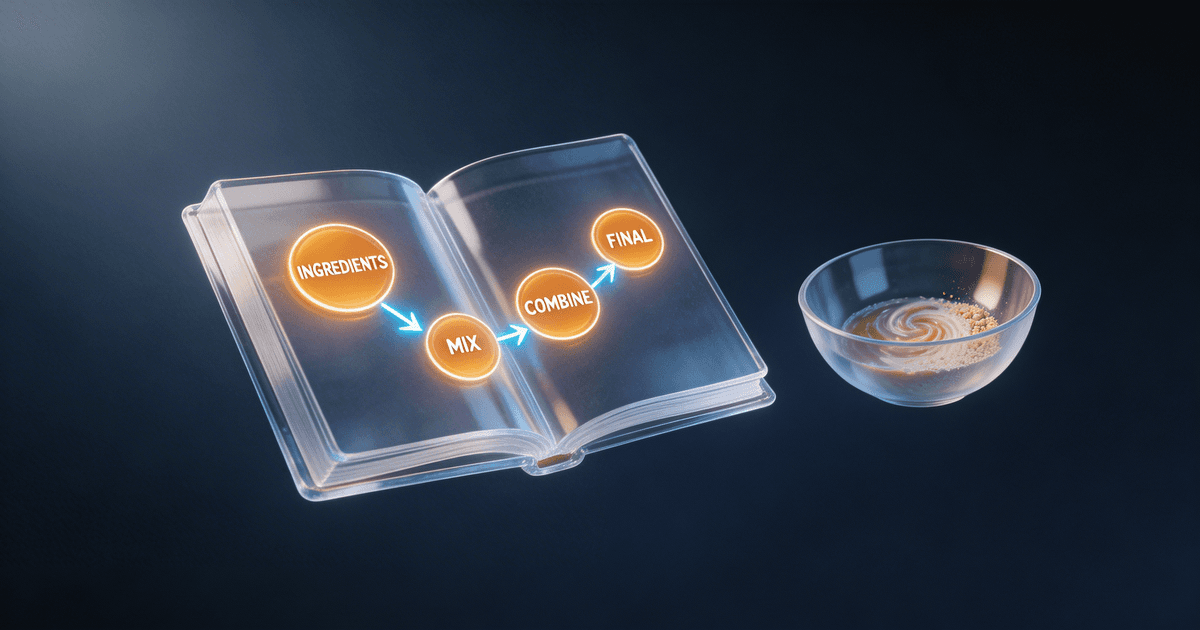
A prompt gives you one output. A recipe gives you a system.
These five recipes are designed to run repeatedly with minimal setup. You don't have to remember what worked last time — the recipe remembers for you. That's the difference between a good Tuesday and a good every-Tuesday.
If you want to go deeper on building a full creator operating system, our complete guide to AI skills for content creators covers how individual skills and recipes fit together into a workflow that actually compounds over time.
Browse all available workflows at CreatorSkills.co.
About the author
Founder, CreatorSkills
Caleb Leigh is the founder of CreatorSkills and focuses on buyer-first AI workflows for content creators.
Read the founder profile