How to Make AI Sound Like You (Not a Robot)
Every creator using AI hits the same wall: the output sounds helpful but completely generic. The fix is teaching AI how you actually write.
You paste your script into Claude or ChatGPT, ask it to clean things up, and what comes back reads like a LinkedIn post from 2019. Helpful. Professional. Completely not you.
So you rewrite the whole thing anyway. And at some point you start wondering: what's the point of using AI if I'm editing every sentence?
This is the number one complaint creators have about AI writing tools. The output is fine. It's just... flat. It doesn't have the weird metaphors you use, the short punchy sentences you're known for, or the way you casually drop a joke between two serious points.
The AI is missing an input. You never told it how you write.
Why AI defaults to "helpful robot" voice
When you open a fresh chat and type "write me a YouTube script about morning routines," you're asking an AI trained on the entire internet to guess your style. It can't. So it defaults to the safest, most averaged-out writing style possible: clear, organized, and completely forgettable.
This is why two creators can use the exact same prompt and get nearly identical output. The prompt describes what to write, but not how you write it.
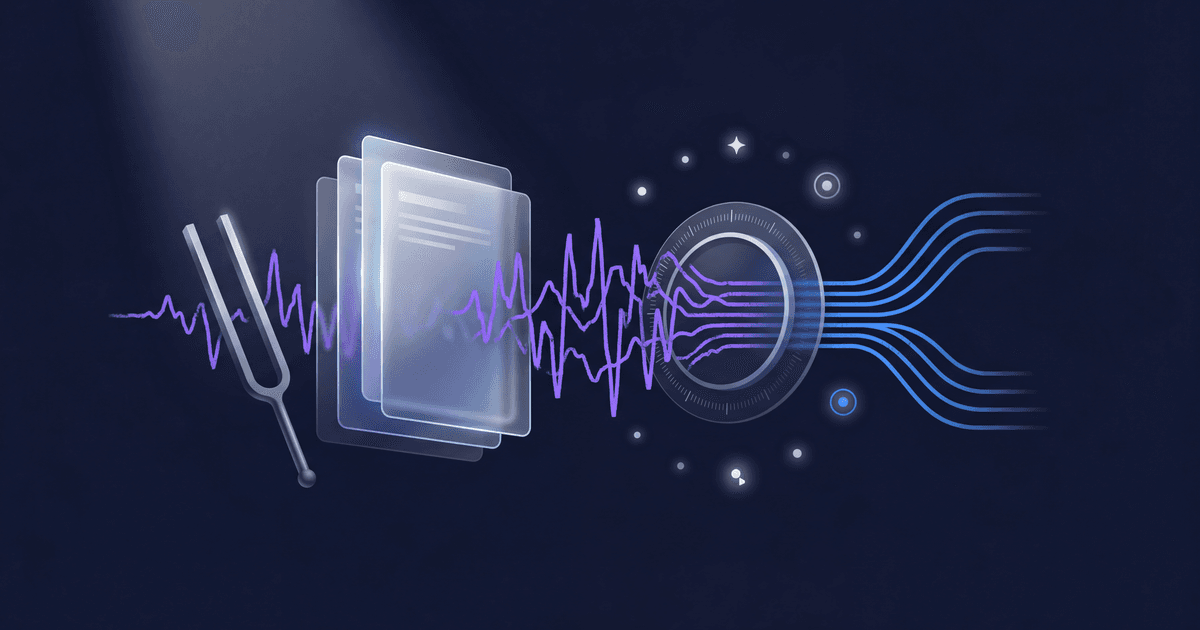
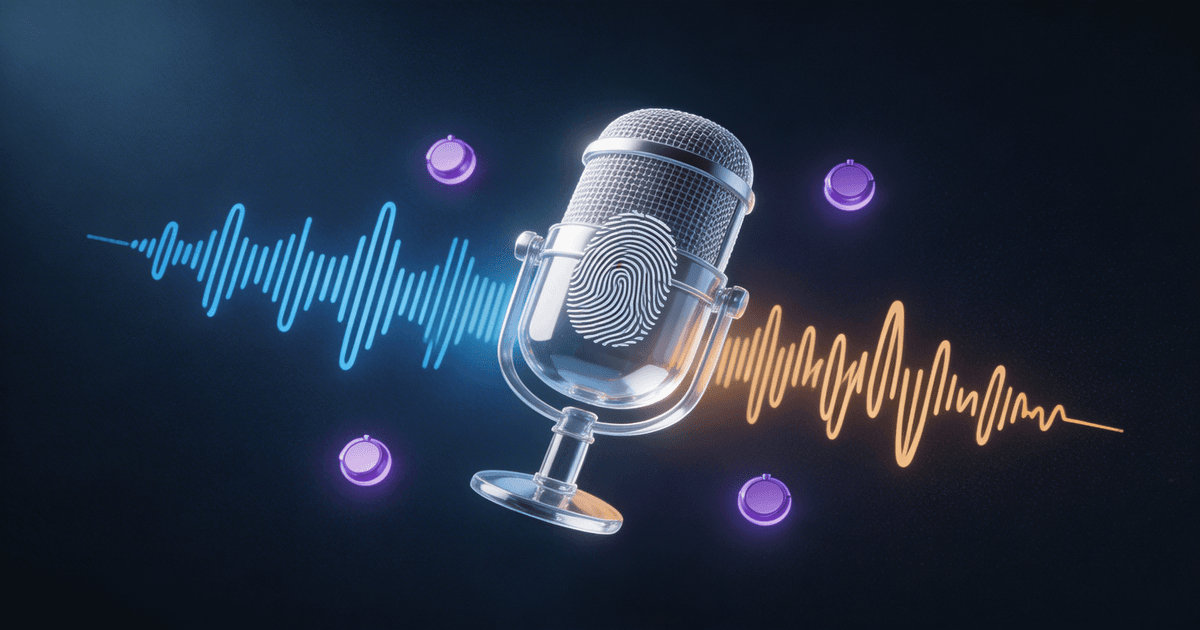
The fix is a voice profile: a set of instructions that captures your specific writing patterns and feeds them to the AI before it generates anything.
Think of it like handing a ghostwriter recordings of your last 20 videos. They wouldn't start writing until they understood your rhythm.
What a voice profile actually captures
A good voice profile isn't just "be casual and funny." That's too vague for AI to do anything useful with. The details that matter are surprisingly specific:
Sentence structure. Do you write in short, punchy fragments? Or longer sentences with multiple clauses? Do you start sentences with "And" or "But"? How often do you use questions to transition between ideas?
Word choices. Do you say "use" or "leverage"? "Great" or "solid"? "Build" or "create"? Every creator has default words they reach for, and your audience recognizes them even if they can't name them.
Humor and tone shifts. Maybe you're mostly serious but drop a dry joke every few paragraphs. Maybe you're upbeat everywhere except when calling out bad advice. These patterns are what make your content feel yours.
Platform differences. You probably write differently on Twitter than in a YouTube script. A voice profile should capture both: your LinkedIn voice and your TikTok caption voice aren't the same person, and that's fine.
What you don't do. Voice profiles work partly by exclusion. If you never use emojis in body text, never start with "In today's video," and never write in passive voice, those rules matter as much as the things you do.
How to build one (the manual way)
You can build a basic voice profile yourself in about 30 minutes. Here's the process:
1. Collect 5-10 samples of your best writing. Pick content where you felt like the writing was most "you." Include a mix: a couple YouTube scripts, some tweets or captions, maybe a newsletter issue. Variety matters because it shows how your voice flexes across formats.
2. Read them back and take notes. Look for patterns: sentence length, opening styles, recurring phrases, how you handle transitions. Write down anything that repeats across multiple samples.
3. Write the rules. Turn your observations into specific instructions. Not "be conversational": instead, "use sentence fragments for emphasis. Lead paragraphs with a question or bold claim. Avoid words like 'utilize,' 'leverage,' and 'delve.' Drop humor through understatement, not exclamation points."
4. Test it. Paste your rules into Claude or ChatGPT as a system instruction, then ask it to write something. Compare the output to your real writing. Tweak the rules where the tone drifts.
5. Save it somewhere reusable. Copy your voice profile into a file you can paste into any AI conversation. If you're using Claude Projects or ChatGPT custom instructions, drop it there so it loads automatically.
This works. But it's slow, and most creators stall at step 2 because it's hard to analyze your own writing objectively. You know what sounds like you. You just can't always articulate why.
The faster way: let AI reverse-engineer your voice
Here's the trick: AI is actually better at analyzing writing patterns than most humans are. It can spot things like your average sentence length, your ratio of questions to statements, how often you use first person versus second person, and which rhetorical devices you default to.
The Brand Voice Codex skill automates this entire process. You paste in 3-5 samples of your content, and it reverse-engineers a portable voice profile that works across Claude, ChatGPT, and Gemini.
What makes it different from doing it manually:
- It catches patterns you wouldn't notice. Like the fact that you use em dashes three times as often as semicolons, or that your YouTube scripts average 12 words per sentence but your tweets average 8.
- It generates platform-specific variations. Your YouTube voice, your newsletter voice, and your tweet voice are all slightly different. The profile captures each one.
- It gives you before/after comparisons. You can immediately hear the difference between generic AI output and voice-profiled output side by side.
- It's sharable. If you work with editors, ghostwriters, or VAs, hand them the voice profile so everything stays consistent even when you're not writing.
Where brand voice makes the biggest difference
Not every AI task needs your brand voice. If you're asking AI to summarize meeting notes or generate research outlines, generic is fine. But for these creator workflows, voice consistency is everything:
YouTube scripts. Your viewers are used to hearing you talk a certain way. When a script feels "off," they notice within 30 seconds: even if they can't explain why. Feed your voice profile into the AI Script Writer for YouTube and the first draft actually sounds like a first draft of your script.
Social media captions. This is where generic AI is most obvious. Every AI-written Instagram caption sounds the same. Your voice profile turns "Exciting news! I'm thrilled to share..." into whatever your actual version of excitement sounds like.
Newsletter writing. Your subscribers signed up because they like how you explain things. If your newsletter suddenly reads like a corporate blog, they'll notice and they'll stop opening. The Long-Form Script System paired with a voice profile keeps long-form content on-brand.
Repurposed content. When you turn a YouTube video into a Twitter thread, a LinkedIn post, and a newsletter excerpt using something like the Content Repurposing Planner, voice consistency is what makes all the pieces feel connected. Without it, each platform version sounds like it was written by a different person.
The voice profile test
After you build your profile (manually or with a skill), run this test:
- Generate a short paragraph about any topic using your voice profile
- Put it in a document next to a paragraph you actually wrote
- Show both to someone who follows your content
- Ask them which one you wrote
If they can tell immediately, your voice profile needs work. If they hesitate or guess wrong, you're done.
Aim for AI output close enough that your editing time drops from "rewrite everything" to "tweak a few phrases." That's the difference between AI saving you time and AI creating more work.
Start with what you've already written
You don't need to sit down and define your brand voice from scratch. You already have one. It's in every video script, tweet, newsletter, and caption you've ever published.
The fastest path is simple: pull 3-5 pieces of content you're proud of, feed them to an AI that knows what to look for, and save the resulting profile where you can reuse it. And if you want to use that voice profile across your entire content production pipeline, our AI content repurposing workflow guide shows you how to keep your voice consistent across every platform.
If you want to do it manually, block out 30 minutes and follow the five steps above. If you want it done in under 5 minutes, the Brand Voice Codex handles the analysis, the profile generation, and the platform-specific variations automatically.
Either way, do this before you write another piece of AI-assisted content. Every script, caption, and email you generate without a voice profile is one you'll waste time rewriting. Every one you generate with a voice profile is one that already sounds like you. If you want to go deeper on writing copy that converts with AI, our AI copywriting guide for creators builds on voice profiling with persuasion frameworks, and for prompt-level tips, the best ChatGPT prompts for creators includes voice-specific prompts you can use today.
Browse more AI skills for content creators and find the workflows that fit how you work.
About the author
CreatorSkills.co
The CreatorSkills team publishes practical guides on AI workflows for content creators.
About CreatorSkills