AI Skills vs Free Prompt Libraries: Which Saves Time?
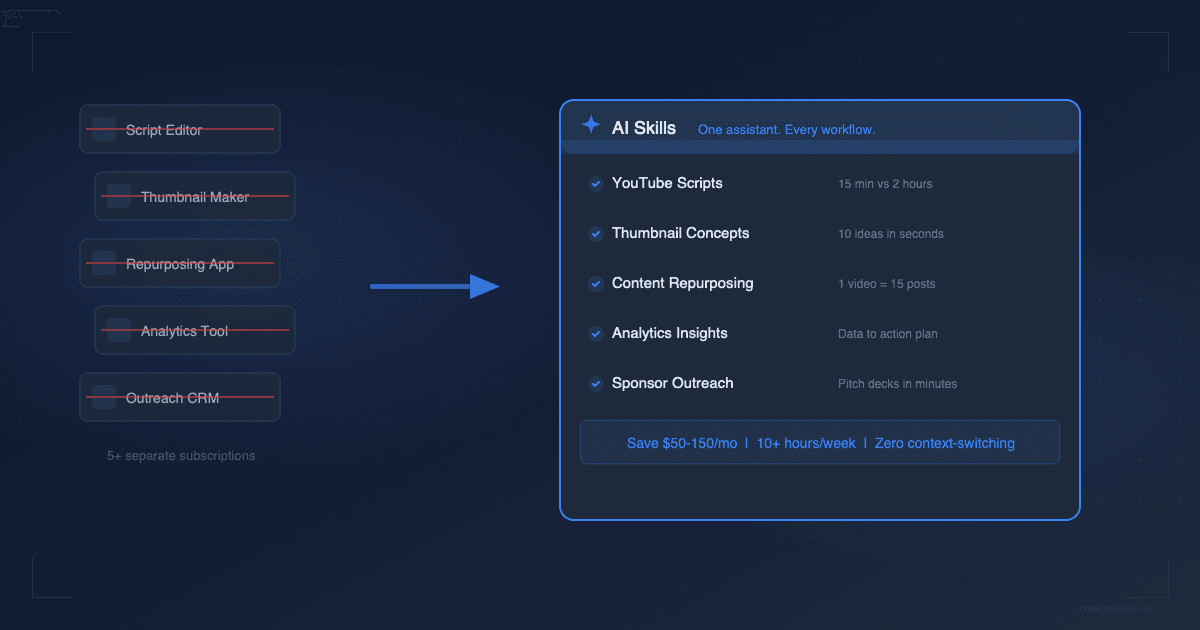
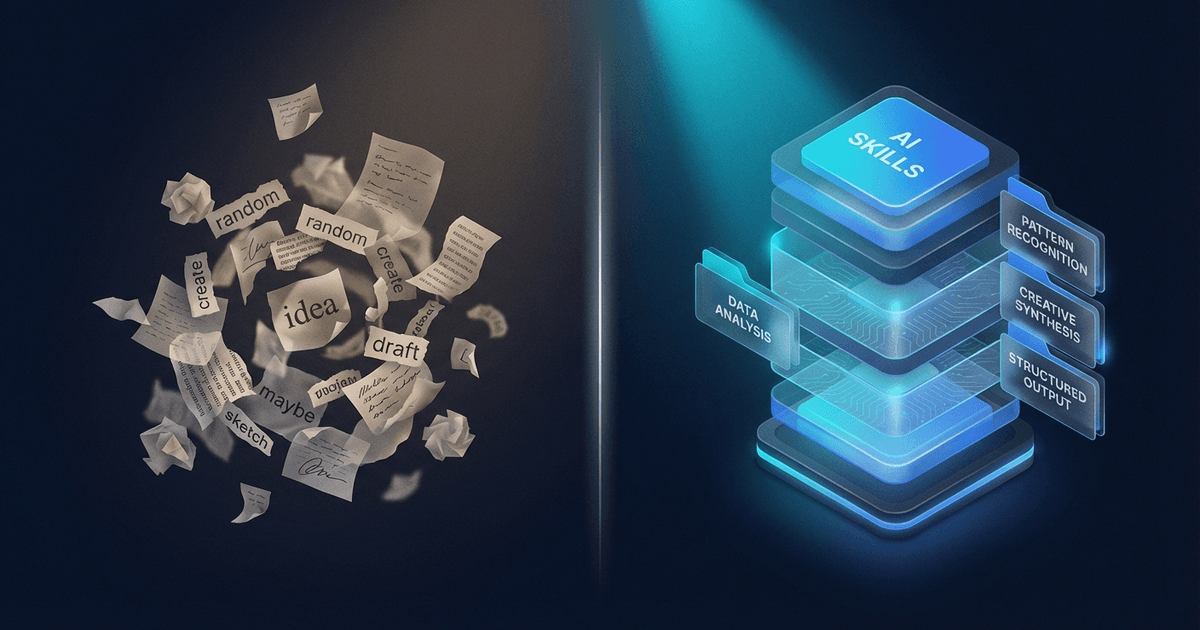
Free prompt libraries give you one-shot text snippets. AI skills give you multi-file workflow systems with documentation, examples, and cross-platform portability. Here's how to decide which makes sense for your creator workflow.
You've probably bookmarked a few "500 ChatGPT Prompts for Creators" lists. Maybe you saved some to Notion. Maybe you even used a couple of them once. Be honest — when was the last time you went back and used one consistently?
Free prompt libraries have a discovery problem. You find them, you skim them, you forget them. And the prompts themselves? They're one-shot instructions that produce generic output. Fine for a quick first draft. Not fine for a repeatable workflow that produces quality content week after week.
AI skills are a different format entirely. Understanding the difference will save you hours of wasted effort — and probably some money too.
What a free prompt actually gives you
A typical free prompt looks something like this:
"Write a YouTube script about [topic] for my channel. Make it engaging, include a hook, and add a call to action at the end."
You paste it into ChatGPT or Claude. You get a script. It's... okay. Generic intro. Generic structure. No understanding of your niche, your audience's level of sophistication, or the format that works on your channel.
So you spend 20 minutes refining. You add context. You fix the tone. You rewrite the hook because it sounds like every other AI-generated hook. By the time the output is usable, you've done half the work yourself.
Here's what free prompt libraries give you:
- Plain text snippets you copy and paste
- No documentation on how to use them effectively
- No examples of good output vs. mediocre output
- No updates when AI platforms change how they process instructions
- No quality control — anyone can post anything
- One platform at a time — you paste it into whichever tool you're using
They're a starting point, not a system.
What an AI skill gives you instead
An AI skill is a structured workflow — typically 3 to 10 files that work together. Instead of one vague instruction, you get:
- Core instructions that tell the AI exactly how to approach your task, with the specificity that produces quality output on the first pass
- Step-by-step workflow guides that walk you through a multi-stage process (research, drafting, editing, formatting) — not just "write me a thing"
- Real examples from actual creators showing what good output looks like
- Output templates that match the format your platform needs
- Documentation explaining how to customize the skill for your specific niche
The difference in practice is stark. A free prompt for YouTube scripts gives you a generic script. A scripting skill gives you a system that handles hook generation, content structuring, retention optimization, and CTA placement — across multiple scripts, consistently, in your voice.
The real comparison: side by side
| Free Prompt Libraries | AI Skills | |
|---|---|---|
| What you get | Copy-paste text snippets | Multi-file workflow systems (3-10 files) |
| Platforms | Whatever you paste into | Claude, ChatGPT, Claude Code, Cursor |
| Documentation | None | README, examples, step-by-step walkthroughs |
| Customization | Edit it yourself | Modular files you can mix, match, and tweak |
| Updates | Static forever | Maintained and updated regularly |
| Quality control | None — anyone can post | Curated marketplace with ratings and reviews |
| Depth | One prompt, one task | Complete production pipelines with examples |
| Portability | Plain text, no structure | Install once, use across multiple AI tools |
The biggest gap is depth. A prompt handles one task. A skill handles an entire workflow, end to end.
When free prompts actually make sense
Free prompts aren't useless. They're the right choice when:
- You need a one-off task — writing a single email, generating one social media caption, brainstorming ideas for a video. If you'll only use the prompt once, a free one works fine.
- You're experimenting — still figuring out what AI can do for your workflow? Free prompts are a low-risk way to explore.
- The task is simple — "summarize this article" or "rewrite this paragraph" don't need a multi-file system. A sentence-long prompt handles them perfectly.
Where free prompts fail is repeated, high-stakes workflows — the things you do every week that directly affect your content quality and output volume.
When you need an actual skill
If any of these sound familiar, you've outgrown copy-paste prompts:
- You write YouTube scripts weekly and you're tired of getting generic output that needs 30+ minutes of editing every time
- You repurpose content across platforms and manually adapting each piece is eating 5+ hours per week
- You want consistent quality — not "good output sometimes, mediocre output other times" depending on how much effort you put into prompting
- You collaborate with a team and need everyone using the same workflow, not their own random prompts
- You've customized a prompt so much that it's now 500+ words and you're essentially maintaining your own system already
At this point, what you need isn't a better prompt. You need a structured system — and that's exactly what a skill provides.
The "just learn to prompt" myth
There's a common argument: "You should just learn to write better prompts yourself." And sure, better prompts produce better output. But there's a math problem here.
To build a prompt system that matches the quality of a well-made skill, you need to:
- Research what prompt structures work best for your specific task
- Test multiple approaches and iterate on the results
- Document your system so you can replicate it
- Add examples of good output to train the AI
- Update the system when AI platforms change their behavior
This is hours of work — for each workflow. If you're building systems for scripting, repurposing, thumbnails, and newsletters, you're looking at a week of prompt engineering just to get started.
Or you install a skill that someone already built, tested, and documented. And you start producing quality output in 5 minutes.
The math works the same way it does for any creator tool: your time has a dollar value. If a $9 skill saves you 5 hours of prompt engineering, that's a return you'd take every time.
How to evaluate whether a skill is worth it
Not all skills are created equal. When you're comparing a paid skill to a free prompt, ask:
- How often will I use this? Daily or weekly use = high ROI. Once a month = maybe stick with a free prompt.
- Does it include examples? Skills with real output examples produce better results because the AI has a quality reference.
- Is it multi-file? A single-file skill isn't much different from a prompt. The value is in multi-file systems where each file handles a different stage of the workflow.
- Does it work on my platform? Check if it supports Claude, ChatGPT, or whichever tool you actually use. Skills on Creator Skills work across multiple platforms.
- Are there reviews? What are other creators saying about the output quality?
Start where it matters most
You don't need to replace every free prompt with a skill. Start with your highest-frequency, highest-impact workflow — the thing you do most often that directly affects your content quality.
For most creators, that's one of three things:
- Scripting — If you write scripts weekly, explore the Scripts & Outlines category
- Repurposing — If you're manually adapting content for each platform, check Content Repurposing skills
- Titles and thumbnails — If you're A/B testing titles or brainstorming thumbnail concepts, see Titles & Thumbnails
Replace that one workflow first. See the difference in output quality and time saved. Then decide whether your other workflows need the upgrade too.
Free prompts got you started with AI. Skills are how you build a real content system.
Browse all AI skills built for creators at CreatorSkills.co — or start with the free Content Idea Brainstormer to see the difference between a prompt and a skill firsthand.
About the author
CreatorSkills.co
Caleb Leigh is the founder of CreatorSkills. He previously founded Visuals by Impulse — the world's premier design marketplace for live streamers, serving 400,000+ creators before its acquisition by CORSAIR. He now leads AI and automation at Elgato while building tools for the creator economy.
Read the founder profile