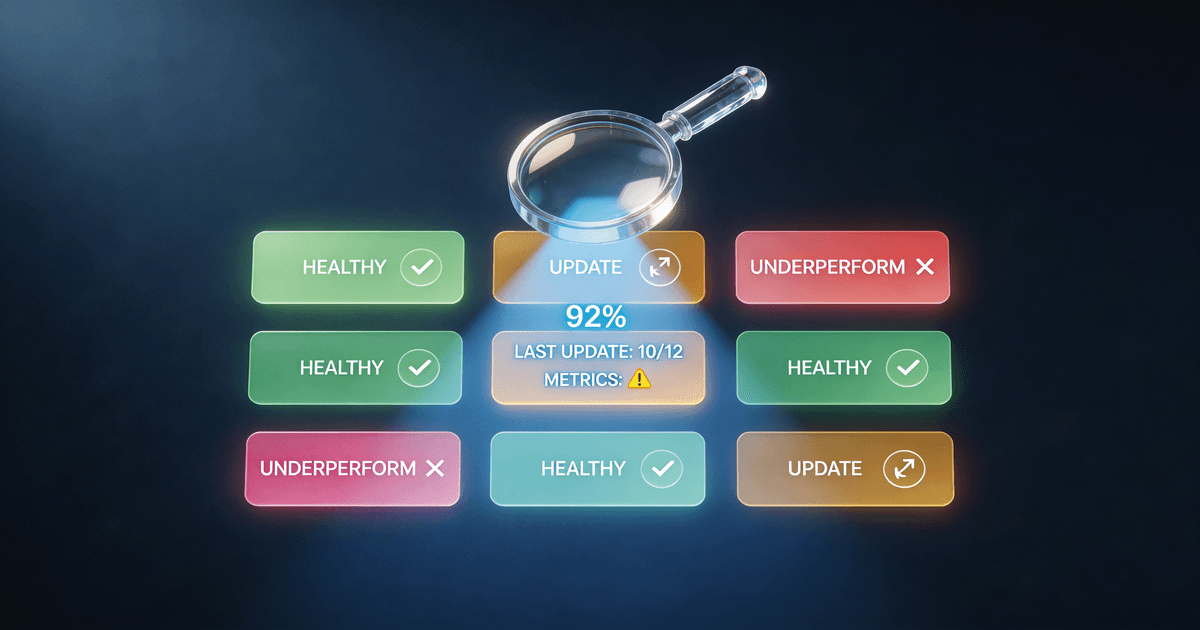
The Creator's Guide to Auditing Your Content Library
You probably have evergreen content buried under years of uploads. Here's how to find it — and how to decide what to delete, update, or promote.
You've been creating for two, three, maybe five years. You have 80 blog posts. Or 120 YouTube videos. Or 300 newsletter issues.
Some of that content still gets traffic. A lot of it doesn't. Some of it is actively hurting your channel — outdated information, keyword cannibalization, thin posts that tell Google your site produces low-quality content.
The problem is you don't know which is which. And reviewing 80 pieces of content manually takes most creators weeks — if they do it at all.
Here's how to audit your content library properly, what to do with what you find, and how to cut the time it takes from weeks to a weekend.
Why creators skip content audits (and why that's expensive)
The honest reason most creators don't audit their content: it's not exciting. Creating new content feels productive. Looking back at old content feels like homework.
But the math on content audits is better than almost anything else you can do for organic traffic.
A blog post you published three years ago, refreshed with current information and better SEO targeting, can rank in a few weeks. A YouTube video that almost worked — decent concept, wrong title, never promoted — can be re-uploaded with a new title, thumbnail, and description and perform completely differently in the algorithm.
You already did the hard work. The content exists. An audit tells you which pieces are worth the investment to revive.
Every month that an outdated post with dead links sits in Google's index, it's suppressing your overall domain authority. That's traffic you've already earned going nowhere.
What a content audit actually looks at
A real content audit doesn't just ask "is this post old?" It evaluates each piece across four dimensions:
Traffic and engagement. Is this piece getting views, clicks, or reads? Is that number growing, flat, or declining? A piece with declining traffic needs a different fix than a piece that never took off to begin with.
Accuracy. Is the information still correct? For any content in fast-moving topics — AI, marketing, software tools, social media strategy — information has a short shelf life. Outdated facts don't just mislead readers. They signal to Google that your content isn't current.
Search intent fit. Does this piece actually answer the question someone is searching for? A lot of content misses the target — the title targets one keyword but the content goes in a different direction, or the content is trying to rank for a term it can't compete for.
Overlap. Do you have three posts that cover the same topic? This is more common than creators realize. Three separate posts about "how to grow your YouTube channel" don't help each other — they compete against each other in search. The fix is to consolidate them into one definitive piece.
The four actions (and how to decide which one to take)
Every piece of content in your library belongs in one of these buckets:
Keep as-is. The content is performing, accurate, and targeting the right intent. Leave it alone — don't touch things that are working.
Refresh. The topic is still relevant and the content is fundamentally solid, but it needs updated information, better formatting, or stronger SEO targeting. This is the highest-ROI action in most audits. You're not rewriting from scratch — you're updating and improving. Before rewriting, run the post's topic through the free AI blog outline generator to get a fresh H2 structure and keyword placement — often the existing content is solid, it just needs reorganizing to match what's currently ranking.
Consolidate. You have two or three posts that cover overlapping territory, none of them ranking well. Pick the strongest one (usually the one with the most links or historical traffic) and merge the others into it. Then redirect the URLs of the merged posts to the surviving piece.
Remove or unlist. The content is outdated, irrelevant, thin, or actively cannibalizing better pieces. For blog posts: delete and redirect to a relevant surviving page, or delete and let it 404 (acceptable for truly low-quality content). For YouTube: unlist rather than delete, which preserves your watch time history.
The hardest call is usually between refresh and remove. The rule of thumb: if you'd be embarrassed to share it today, it's probably not worth refreshing. Cut your losses.
How to prioritize when your catalog is huge
If you have 200+ pieces of content, don't try to audit everything at once. Work in tiers.
Start with your worst-performing content. Your bottom 20% by traffic — the posts nobody reads, the videos with 47 views from three years ago. This is where you'll find the most dead weight to remove, and the quick wins will feel good and motivate you to continue.
Then look at near-misses. Content that ranks on page 2 or 3 for terms you care about. These pieces almost worked — they just need a stronger title, better internal links, or an updated introduction. Small improvements here have outsized impact.
Save your top performers for last. Don't touch what's working until you understand it. The risk of breaking a high-traffic piece outweighs the potential upside of optimizing it.
What data you actually need
You don't need perfect data to run a useful audit. Here's what's valuable:
Minimum viable data:
- Title and URL for each piece
- Publish date
- Traffic (monthly pageviews for blog, views for YouTube)
With just this, you can spot obvious dead weight and identify your winners.
Better data:
- Average position in search (Google Search Console)
- Click-through rate
- Time on page / average view duration
- Bounce rate
This lets you understand whether a piece is failing because of poor SEO, poor content, or both — which determines whether refresh or remove is the right call.
Best data:
- Inbound links (Ahrefs, Semrush, or Google Search Console)
- Conversion data (email signups, sales, affiliate clicks)
- Year-over-year traffic comparison
With this you can prioritize ruthlessly — defending pieces with strong link profiles even if their traffic has declined, and cutting pieces that have neither links nor performance to justify keeping.
The AI shortcut
Running a content audit manually is tedious. You're making the same judgment calls over and over — is this worth keeping? what needs to change? — for 50 or 100 or 200 pieces of content.
AI handles the repetitive judgment work well, once you give it the right framework.
The mistake most creators make is asking a general chatbot to "audit my content." The chatbot doesn't know your niche, your competitors, your traffic patterns, or what good SEO looks like for your specific audience. You get generic advice that doesn't help.
An AI loaded with the right audit framework knows what to look for. You feed in your content list (titles, dates, traffic numbers, whatever data you have) and get back a structured audit report: every piece scored, categorized, and assigned to an action bucket with specific recommendations.
The Content Audit & Cleanup skill on Creator Skills is built for this. Load it into Claude or ChatGPT, paste in your content list, describe your niche and goals, and get a complete prioritized action plan — not "consider updating some old posts," but a ranked list of specific pieces to remove, refresh, or consolidate, with reasons for each recommendation.
It also runs competitor gap analysis. Name your main competitors and it'll flag topics they rank for that you don't cover — which is often more valuable than cleaning up what you have.
What happens after the audit
The audit gives you a list. The work is actually executing it.
A realistic timeline based on catalog size:
- Under 30 pieces: A focused weekend. Most actions are quick refreshes or removals.
- 30-100 pieces: Two to three weeks. One action category per week — removals first (fastest decisions), then refreshes, then rewrites.
- 100+ pieces: A month or two. Work from the priority ranking and don't try to do everything at once.
A few execution principles that save you from wasting time:
Do removals and unlists first. These are fast decisions with immediate benefit to your domain authority. Get the dead weight out of the index before spending time on refreshes.
Batch your refreshes by topic. Updating five posts on the same subject is faster than jumping between unrelated topics — you build context once and apply it across multiple pieces.
Set up redirects before you delete. Every URL you remove that has inbound links or historical traffic should redirect to the most relevant surviving page. Skipping this loses link equity you've already earned.
Re-submit refreshed pages to Google Search Console. Don't wait for Google to recrawl. Request indexing on every page you significantly update.
How often should you audit?
Quarterly is the right cadence for most creators.
Your best content from 12 months ago may be drifting in rankings as newer content from competitors emerges. Content you refreshed six months ago may need another update. And you've probably published another 20–30 pieces since your last audit that are ready for evaluation.
An annual audit misses drift. A monthly audit is overkill. Quarterly keeps your catalog healthy without consuming your whole creative calendar.
The Content Audit & Cleanup skill for Claude and ChatGPT runs your entire audit in a single session. Load it into your AI, paste in your content list, and get back a prioritized action plan you can start executing today.
Also useful: AI Content Repurposing Workflow — once you know which content is worth keeping, here's how to get more out of it.
Need better titles on the content you're keeping? The SEO Title & Description Writer optimizes your existing titles for search. And if your audit reveals analytics you don't know how to read, the Analytics Translator turns raw numbers into plain-language action items.
About the author
Content, CreatorSkills
The CreatorSkills team publishes practical guides on AI workflows for content creators.
About CreatorSkills