AI Workflow Builder: Stop Prompting Randomly, Start Building Systems
The AI Workflow Builder is a workflow design system for creators who want to move from ad-hoc prompting to repeatable, consistent AI production. It builds 3-to-6-stage workflows with connected prompt chains (each stage feeds the next), brand-voice calibration (a reusable Voice Profile that makes AI output sound like the creator), human review checkpoints between stages, and quality control checklists. Five built-in workflow templates cover: video-to-everything repurposing, newsletter production, content ideation sprints, course module building, and brand partnership preparation. Includes an AI tool selection matrix (when to use Claude vs ChatGPT vs specialized tools) and guidance for avoiding the five most common prompting mistakes.
Most creators who use AI daily haven't changed how they use it since the first week. Open a chat, type a prompt, read the response, copy what's useful, close the tab. The next session starts the same way. There's no memory of what worked last time, no system connecting one output to the next, no way to produce consistent results without starting from scratch every time.
The problem isn't the AI — it's that prompting isn't a workflow. A prompt is a single action. A workflow is a repeatable process where each stage builds on the last, human judgment enters at the right points, and the outputs get better as the process gets calibrated.
The AI Workflow Builder is for creators who want to stop prompting and start building systems.
What Makes a Workflow Different from a Prompt
A prompt produces one output. A workflow produces a connected series of outputs where each stage's result becomes the next stage's input.
The difference matters because complex creative work — a newsletter, a script, a course module — can't be done well in a single prompt. A single mega-prompt that tries to generate an outline AND a draft AND social posts produces mediocre output on all three. Breaking the task into connected stages produces better work at each step and catches errors before they compound.
Every workflow the skill builds follows the same structure:
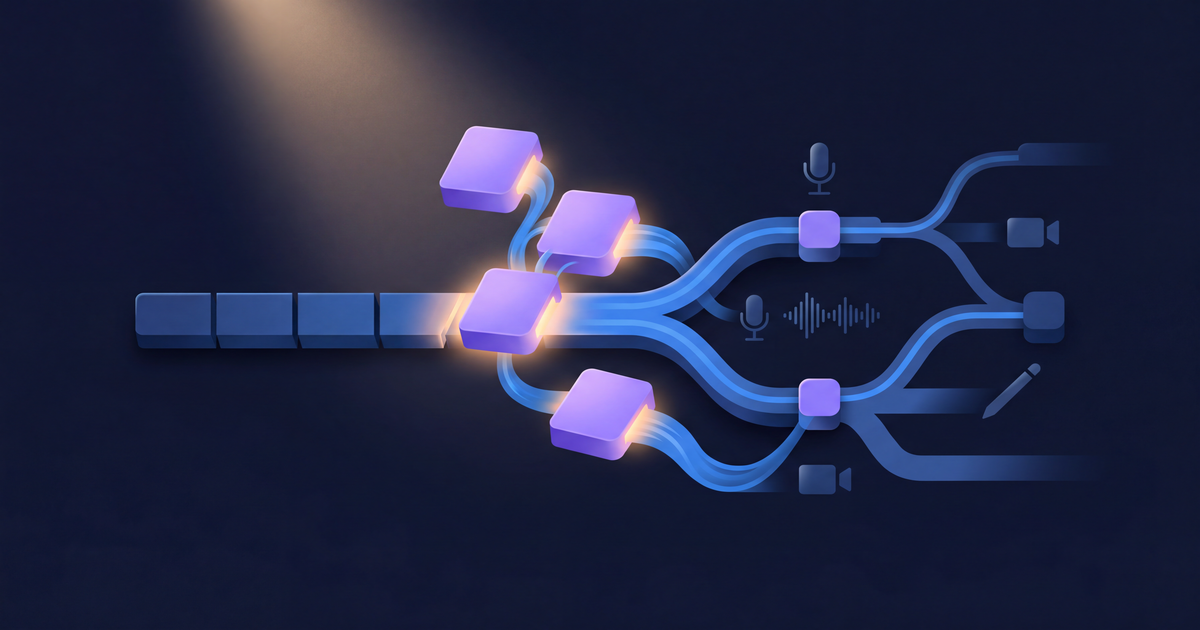
INPUT → STAGE 1 → [REVIEW] → STAGE 2 → [REVIEW] → OUTPUT
The rules are strict: every workflow has 3–6 stages (fewer than 3 is just a prompt; more than 6 is too complex to maintain), every workflow has at least one human review point between stages, and each stage produces a named artifact the creator can save and reuse.
The review checkpoints are non-negotiable. AI output compounds errors — one bad assumption in Stage 1 produces three bad outputs in Stages 2–5. A review point after each stage catches problems before they cascade.
Brand-Voice Calibration
The single most common complaint about AI-generated content is that it sounds like AI — not like the creator. The AI Workflow Builder addresses this before any workflow is run.
For workflows that produce written content, the skill builds a Voice Profile: a reusable system prompt fragment that captures the creator's specific tone, sentence structure, vocabulary, and signature patterns. The process:
- The creator provides 3–5 samples of their best writing — social posts, newsletter intros, script hooks, anything in their actual voice.
- The skill analyzes the samples for sentence length patterns, vocabulary level, tone markers, and recurring structural habits.
- The output is a Voice Profile in this format:
## Voice Profile: [Creator Name]

**Tone:** [e.g., casual-authoritative, warm-direct, dry-witty]
**Sentence style:** [e.g., short and punchy, varies between 5-20 words]
**Vocabulary:** [e.g., plain English, occasional industry jargon, no buzzwords]
**Signature patterns:** [e.g., starts with a question, uses "Here's the thing:", ends with actionable takeaway]
**Avoids:** [e.g., corporate language, exclamation marks, passive voice]
This Voice Profile gets injected at the start of every content-generation stage. A newsletter draft written with a calibrated Voice Profile sounds like the creator wrote a first draft — not like it was generated. The difference in editing time is significant: instead of rewriting AI output from scratch, the creator makes targeted adjustments.
The Five Workflow Templates
The skill includes five built-in templates. These are starting points, not finished products — every template gets customized to the creator's specific niche, platforms, and production situation.
Template 1: Video-to-Everything Repurposing — The most common workflow request. Starts with a video transcript, extracts 5–8 key insights, then branches into newsletter content, social thread, short-form video scripts, and a weekly publishing calendar. Stage 1 is the extraction; each subsequent stage adapts the insights for a different format. The key is that Stage 2 references Stage 1's output explicitly — the prompts connect, they don't restart.
Template 2: Newsletter Production — A 5-stage process from topic selection to published-ready draft. Stage 1 generates topic ideas based on recent content, trending angles, and audience questions. Stage 2 structures the chosen topic into sections with key points. Stage 3 writes the full draft using the Voice Profile and Stage 2's outline. Stage 4 generates five subject line options optimized for opens. Stage 5 runs a quality review against brand-voice criteria and CTA effectiveness.
Template 3: Content Ideation Sprint — Designed for creators who plan content in batches rather than daily. Starts by mapping the top 10 audience pain points, generates three content angles per pain point, assigns each idea to a platform and format, organizes into a 2–4 week calendar, and pre-writes hooks and openers for each piece. A two-hour session produces a month of content direction.
Template 4: Course Module Builder — For creators building structured educational content. Stages cover curriculum outline, individual lesson scripts, exercise design, assessment questions, and sales page module descriptions. The workflow ensures each module has a clear learning objective and that the exercises actually test the lesson's content.
Template 5: Brand Partnership Workflow — For creators preparing for sponsor conversations. Produces a data-backed audience profile, media kit copy, a customized pitch for a specific brand's goals, a content brief for the sponsored deliverable, and a performance report template for post-campaign delivery.
AI Tool Selection Matrix
One of the workflow decisions creators get wrong most often: which AI tool to use for which task. The skill includes a practical decision matrix:
Use Claude when the task involves long-form writing that needs voice consistency, complex multi-step analysis (transcript breakdowns, content audits, strategy planning), or requires extensive context — long system prompts, reference documents, or Voice Profile injection. Claude's context window and reasoning quality make it the right choice for sustained writing tasks.
Use ChatGPT when the task is quick ideation or brainstorming where response speed matters for short tasks, when image generation is part of the workflow (DALL-E integration), or when the creator already has ChatGPT Plus as their primary tool.
Use specialized tools when the task requires platform integration or real-time data: SEO research (dedicated SEO tools are more accurate than general AI for keyword data), email marketing (ConvertKit and Beehiiv have AI features that access the creator's specific list data), and social scheduling (Buffer and Hypefury can schedule directly to platforms in ways AI can't).
The general rule: use general AI for thinking and writing, use specialized tools for actions that require platform connections.
Five Common Workflow Mistakes
The skill identifies the errors that make AI content production inefficient and shows how to fix them:
Single mega-prompt. Trying to produce an outline, a draft, and three social variants in one prompt. The fix: break it into stages. One prompt can't maintain quality across fundamentally different tasks.
No review between stages. Automating the full chain without human checkpoints. The fix: always review Stage 1's output before running Stage 2. One bad assumption early produces multiple bad outputs downstream.
Missing Voice Profile. Running content-generation stages without brand-voice calibration. The fix: never write content in a workflow without establishing a Voice Profile first. Generic AI output that sounds like everyone kills audience trust.
Unchanged templates. Using a workflow template without adapting it to the creator's situation. Every creator's operation is different — publishing cadence, platform mix, team size, and content type all affect how a workflow should be structured.
Overcomplicating. Workflows with more than 6 stages that the creator never actually runs. The fix: if a workflow has too many stages, combine any two where the output of one naturally flows into the next without a meaningful review point between them.
What Each Workflow Delivers
Every workflow the skill builds includes:
- Time estimate — how long the full cycle takes with AI assistance versus without
- Frequency — how often the creator should run it
- Stage-by-stage prompts — complete prompt text for each stage, ready to copy-paste, with explicit references to the previous stage's output
- Review checkpoints — specific things to verify before moving to the next stage
- Quality checklist — the questions to ask before publishing any output from the workflow, including "does it sound like the creator, not like AI?" and "would the creator publish this without significant edits?"
The quality checklist is the most important part. A workflow without quality standards is just a faster way to produce mediocre output. The checklist is calibrated to the specific workflow and the creator's brand.
How to Use It
Describe your content operation: what you create, where you publish, how often, what your current AI usage looks like, your biggest bottleneck, and whether you have writing samples to share. The skill designs the workflow that fits your situation, calibrates a Voice Profile if you provide samples, and delivers the complete prompt chain ready to run.
Pricing and Where to Get It
The AI Workflow Builder is $7, one-time. Works in Claude and ChatGPT — describe your content operation, get back a complete workflow with connected prompt stages, Voice Profile calibration, and quality checklist.
Pair It With
- Video to Everything Repurposer — The AI Workflow Builder designs the multi-stage repurposing system; the Video to Everything Repurposer executes the individual content transformations. Use both when repurposing is the creator's primary content leverage strategy.
- Notion Content Dashboard Builder — AI workflows produce outputs that need tracking and organizing. The Notion Dashboard builds the project management infrastructure that captures workflow outputs and routes them into the publishing pipeline.
- Brand Voice Codex — The AI Workflow Builder creates a Voice Profile for workflow use; the Brand Voice Codex builds a full voice system the creator can reference across every piece of content, team member, and AI tool.
A workflow that runs consistently produces compounding returns. The first time is slow — calibrating the Voice Profile, testing the stage prompts, refining the review checkpoints. The fifth time is fast, because the system already knows what "good" looks like. That's the difference between a prompt and a workflow.
About the author
Content, CreatorSkills
The CreatorSkills team publishes practical guides on AI workflows for content creators.
About CreatorSkills