Agentic AI for Creators: What It Is and How to Start
Agentic AI does more than answer questions: it takes action across your entire workflow. Here's what that means for content creators and the specific skills that put it to work right now.
You paste a transcript into ChatGPT. It gives you a blog post draft. You read it, fix the tone, restructure half of it, then manually pull out three social posts yourself. Total time saved: maybe 20 minutes. Total effort: still a lot.
That is chatbot AI. You ask a question, you get an answer, you do the rest. It is useful but limited. You are still the project manager, the editor, and the distribution team.
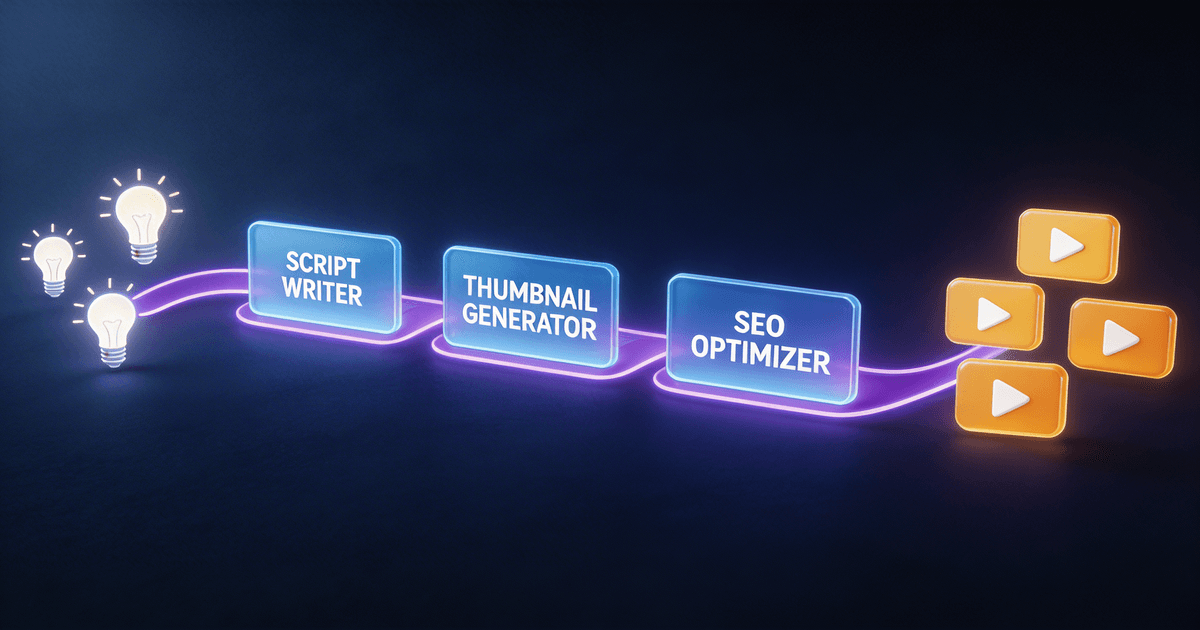
Agentic AI works differently. Instead of answering one question, it handles the entire job. You give it a goal, "turn this video into a week of content", and it plans the steps, executes them in sequence, and delivers finished outputs across formats. No babysitting. No copy-pasting between tools.
If you have been using AI prompts but still feel like you are doing most of the work, this is the shift you have been waiting for. For a deeper look at automating your entire content pipeline, see our automate content repurposing with AI guide.
What makes AI "agentic"
Regular AI is reactive. You type a prompt, it responds. One input, one output, one turn. If you want something else, you prompt again.
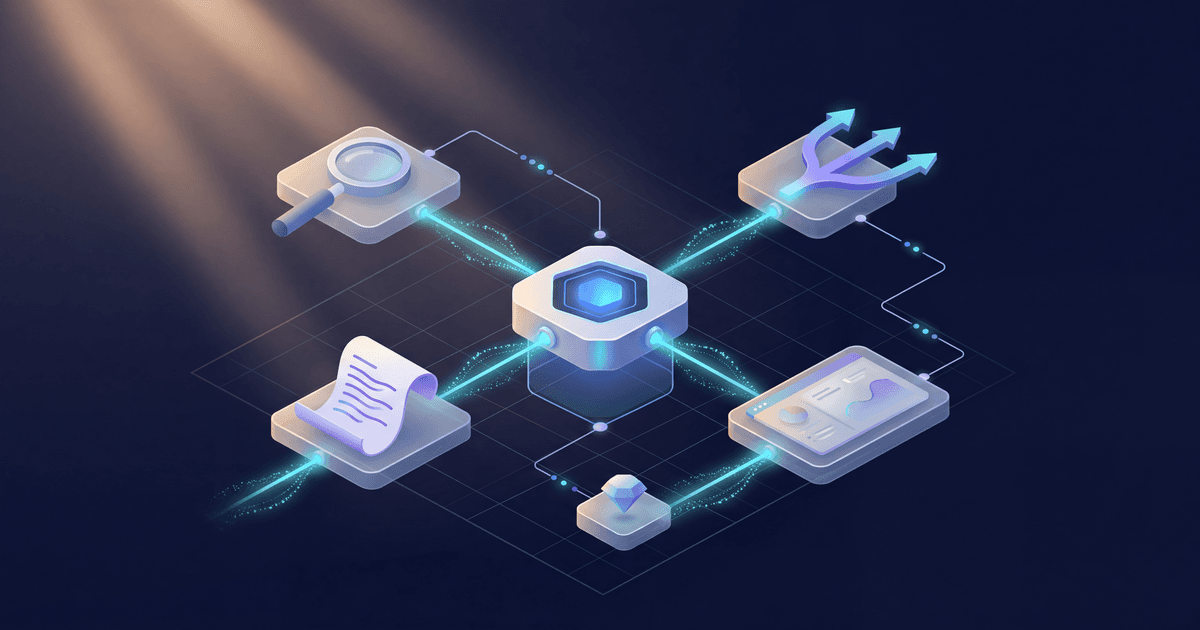
Agentic AI is proactive. It breaks a goal into subtasks, executes them in order, checks its own work, and adjusts when something is off. Think of the difference between asking someone a question and handing someone a project.
Here is the practical difference for creators:
Chatbot AI: "Write me a YouTube script about meal prepping." → You get one script. You review it, revise the hook, fix the CTA, and format it yourself.
Agentic AI: "Research trending meal prep topics, write a 10-minute script in my voice with timestamps and a strong hook, then generate 3 social posts and a newsletter intro from the same content." → It does all of that. You review the final package.
The key traits that make AI agentic:
- Multi-step execution: it handles a workflow, not just a single task
- Context awareness: it remembers your voice, audience, and past content
- Self-correction: it checks outputs against your standards and revises before delivering
- Tool use: it can search the web, analyze data, or read files as part of the process
You have probably already seen this in action if you have used Claude Projects or ChatGPT with custom instructions. Those are early forms of agentic behavior: the AI has persistent context and can do more than just respond to isolated prompts.
Why this matters for your content workflow
Most creators hit a wall with basic AI tools. The outputs are decent but generic. You spend almost as much time editing AI drafts as you would writing from scratch. Sound familiar?
That wall exists because chatbot AI lacks three things creators need:
1. Your voice. A single prompt cannot capture how you write, your humor, your pacing, or the way you address your audience. Agentic skills carry your brand voice across every output.
2. Multi-format thinking. A YouTube script and a Twitter thread require completely different structures. Agentic workflows handle format adaptation automatically instead of making you prompt for each one separately.
3. Workflow sequencing. Real content creation has an order: research first, then outline, then draft, then repurpose. Chatbot AI treats each step as an isolated request. Agentic AI connects them into a pipeline.
When these three pieces come together, AI stops being a writing assistant and starts being a production system. The difference is not incremental: it changes how many hours you spend on content each week.
5 agentic skills to install first
If you want to experience agentic AI without building anything from scratch, these skills are ready to go. Each one handles a multi-step workflow, not just a single prompt.
1. Long-Form Script System
What it does: Takes a topic and produces a complete YouTube script: researched, structured with timestamps, written in your voice, with a tested hook format and clear CTA.
Why it is agentic: It does not just "write a script." It researches the topic, structures the content for retention, applies your speaking style, and formats for production. That is four steps you used to do manually.
Install the Long-Form Script System →
2. Content Repurposing Planner
What it does: Analyzes a piece of content (video transcript, blog post, podcast episode) and generates a complete repurposing plan with platform-specific outputs.
Why it is agentic: It reads your source material, identifies the key moments worth repurposing, adapts the tone for each platform, and delivers a distribution-ready content package, not just a list of suggestions.
Install the Content Repurposing Planner →
3. Trend Hunter System
What it does: Researches trending topics in your niche and delivers content ideas ranked by opportunity: search volume, competition level, and relevance to your audience.
Why it is agentic: Instead of giving you a generic list of "trending topics," it actively researches, filters for your specific niche, and scores each idea. You get a prioritized content calendar, not homework.
Install the Trend Hunter System →
4. Brand Voice Codex
What it does: Analyzes your existing content and builds a detailed voice profile: your tone, vocabulary, sentence patterns, humor style, and audience relationship. Every other skill can reference it.
Why it is agentic: It does not ask you to describe your voice (most creators cannot). It studies your actual content and extracts the patterns. Then it becomes the foundation that makes every other agentic skill sound like you.
Install the Brand Voice Codex →
5. Video-to-Everything Repurposer
What it does: Takes a single video and produces blog posts, social threads, newsletter sections, Shorts scripts, and quote graphics, all from one input.
Why it is agentic: One input, five or more outputs, each adapted for its platform. That is the core promise of agentic AI. You give it a goal and it handles the execution across formats.
Install the Video-to-Everything Repurposer →
How to get the most from agentic skills
Installing a skill is step one. Getting great results consistently takes a small amount of setup:
Start with Brand Voice Codex. Every other skill works better when it knows how you sound. Spend 10 minutes feeding it 3-5 examples of your best content. This is the single highest-ROI setup step you can take.
Give specific goals, not vague requests. "Help me with content" is a chatbot prompt. "Turn my latest video transcript into a Twitter thread, LinkedIn post, and newsletter intro in my voice" is an agentic prompt. The more specific your goal, the better the multi-step execution.
Review outputs at the end, not during. The whole point of agentic workflows is that you are not managing every step. Let the skill run its full process, then review the final package. Interrupting mid-workflow defeats the purpose.
Stack skills together. Use Trend Hunter to pick your next topic. Feed that into Long-Form Script System for the video. Then run the finished transcript through Content Repurposing Planner. Three skills, one pipeline, a full week of content. This kind of stacked workflow is what our AI content batching workflow walks through in detail, and if you want to see how much time this saves, our AI content repurposing saves time breakdown has the numbers.
The creator workflow is changing
A year ago, the best AI could do for creators was write a decent first draft. You still had to plan, structure, edit, format, and distribute everything yourself.
Agentic AI collapses those steps. Not by replacing your creative judgment, you still decide what to make and how to make it yours, but by handling the production work that eats your time.
Creators who adopt agentic workflows now will produce more content, across more platforms, with less effort. That is what happens when your AI stops waiting for instructions and starts finishing projects.
Browse all skills on Creator Skills → and find the workflows that fit how you create.
About the author
CreatorSkills.co
The CreatorSkills team publishes practical guides on AI workflows for content creators.
About CreatorSkills