Post-to-Thread Converter: Any Long-Form Content Into a Twitter Thread and LinkedIn Post
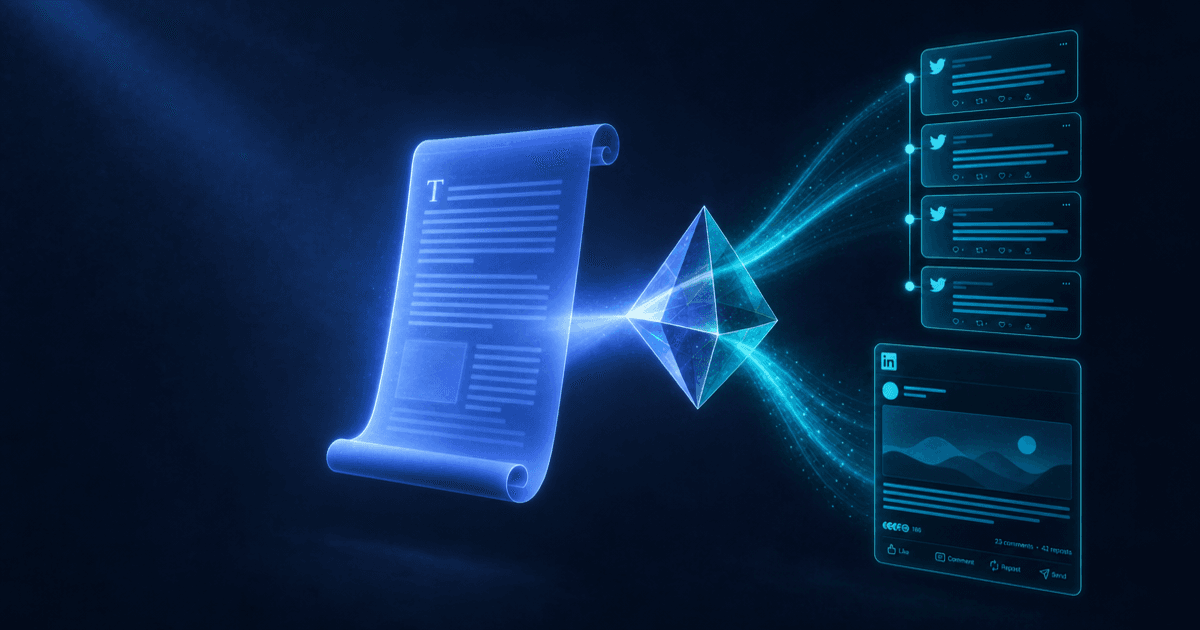
The Post-to-Thread Converter is a free repurposing skill that converts any long-form content (blog post, YouTube transcript, newsletter, rough notes) into two social formats simultaneously: a Twitter/X thread structured tweet-by-tweet with a real hook (not a list of tips) and a LinkedIn post with a scroll-stopping opener that reads like a real person. The thread is properly paced — hook tweet, 6–10 body tweets that build rather than enumerate, a takeaway tweet, a CTA tweet — rather than a numbered list posted in sequence. The LinkedIn post opens with a strong first sentence (before the 'see more' cutoff), uses short paragraphs, and closes with a comment-generating CTA.
A 1,500-word blog post contains enough ideas for a week of social content. Most creators post a link to it once and call it done. The Post-to-Thread Converter extracts the value that's already in the long-form content and formats it for the two platforms where text-first social content actually performs.
The Twitter Thread Problem
Most content-to-thread conversions fail at the format level. They take a list of tips from a blog post and post them sequentially as tweets — which produces something that looks like a thread but reads like a listicle. Listicles are skimmed; threads are read.
The difference is structure. A thread that works has:
A hook tweet that earns the click — the first tweet is the only tweet that competes with everything else in the reader's feed. It has to deliver enough immediate value, or create enough curiosity, to earn the tap on "show this thread." The hook isn't a title ("I wrote about X, here's what I learned") — it's an opening claim that establishes the stakes.
Body tweets that build rather than enumerate — each tweet moves the reader's understanding forward. Tweet 3 depends on tweet 2; tweet 5 changes how the reader thinks about tweet 3. A thread that could be read in any order isn't a thread — it's a list.
A takeaway tweet — a synthesis at the end that delivers the full insight the thread was building toward. The takeaway is what readers quote, save, and share. It's the sentence that makes the thread feel worth the read.
A CTA tweet — the final tweet tells the reader what to do: follow, reply with their experience, link to a related resource, or click through to the full piece. The CTA is low-pressure because the reader is already engaged by the time they reach it.
The skill produces the complete thread in this structure — not a list of tips with tweet numbers, but a piece of writing built for the Twitter format.
The LinkedIn Post Problem
The same content that works as a Twitter thread needs to be completely rewritten for LinkedIn — not because the ideas are different, but because LinkedIn's audience, algorithm, and reading environment are all different.
What LinkedIn rewards:
The algorithm shows a post to a portion of the author's connections and first-degree network. If that small initial audience engages (comments, reactions, shares), the algorithm extends the distribution. If it doesn't, the post stops at that initial window. The consequence is that LinkedIn posts live or die on the first comment wave — which is triggered by the opening line and the comment CTA.
The opening line before the cutoff — LinkedIn shows the first one to three lines of a post in the feed before the "see more" prompt. Every LinkedIn post has to be written so that the opening lines create a reason to click "see more." The skill writes the opening line as a strong claim, a specific insight, or a counterintuitive statement — something that rewards the click rather than a preamble to the real content.
Short paragraphs that breathe — LinkedIn is primarily a mobile reading environment, and long paragraphs render as walls of text on mobile. The skill formats every post with one to two sentences per paragraph and a line break between each. The white space is part of the readability.
A comment prompt that works — "What do you think?" generates low engagement. "Have you run into this? What's worked better?" gives the commenter a specific question with a clear answer. The comment CTA the skill generates is specific to the post's content rather than a generic engagement prompt.
From One Input to Two Outputs
The skill produces both formats simultaneously from the same source material. The Twitter thread gets the punchy, opinionated, take-based version of the content — short sentences, strong claims, built for a reader scanning a fast-moving feed. The LinkedIn post gets the professional, insight-focused version — the lesson framed for someone who cares about the career or business application.
Same core ideas. Different framing, different register, different format. Both publish-ready without additional editing.
What to Feed It
Blog posts — paste the full text or a link to the content. Long-form posts have the most raw material and produce the most complete threads.
YouTube transcripts — transcripts tend to be conversational and information-dense, which makes them excellent thread material. The converter strips the filler and finds the structural argument.
Newsletters — newsletters are already written for an audience, which makes them easier to convert. The opener of a newsletter often becomes the hook tweet with minimal modification.
Rough notes or bullet points — even unpolished thinking converts. The skill shapes rough ideas into a coherent thread arc. This is useful for getting content out of drafts that never made it to publication.
How to Use It
Paste your content — blog post, transcript, newsletter, or notes. Describe your audience (so the voice and angle stay appropriate) and your goal for the thread (drive follows, link clicks, replies, or authority-building). The skill produces both the thread and the LinkedIn post in the same output.
Pricing and Where to Get It
The Post-to-Thread Converter is free. Works in Claude and ChatGPT — paste your long-form content, get back a properly structured Twitter thread and a LinkedIn post.
→ Get the Post-to-Thread Converter
Pair It With
- Content Repurposing Planner — The Thread Converter handles Twitter and LinkedIn; the Repurposing Planner maps the same content across Instagram, TikTok, podcast, and newsletter — so the full cross-platform distribution strategy is covered.
- LinkedIn Post Formatter — For LinkedIn-specific optimization beyond the basic post, the Formatter adds opening-line variants, two post styles per topic, and specific engagement CTA testing to the same input.
- Newsletter Conversion Engine — For creators who want to drive newsletter subscribers from their social threads, the Conversion Engine optimizes the email content that converts social audience members into engaged subscribers after they click through.
Long-form content represents the most concentrated investment of a creator's time and expertise. Publishing it once and moving on leaves most of its value untouched. The Thread Converter extracts that value and puts it where the audience is — in two formats, in two minutes.
About the author
Content, CreatorSkills
The CreatorSkills team publishes practical guides on AI workflows for content creators.
About CreatorSkills