AI Skills vs Custom GPTs: Which Should Creators Use?
Custom GPTs lock you into ChatGPT and work best for conversational tasks. AI skills are portable, structured workflow systems that run on Claude, ChatGPT, and more. Here's how to decide which one fits your creator workflow.
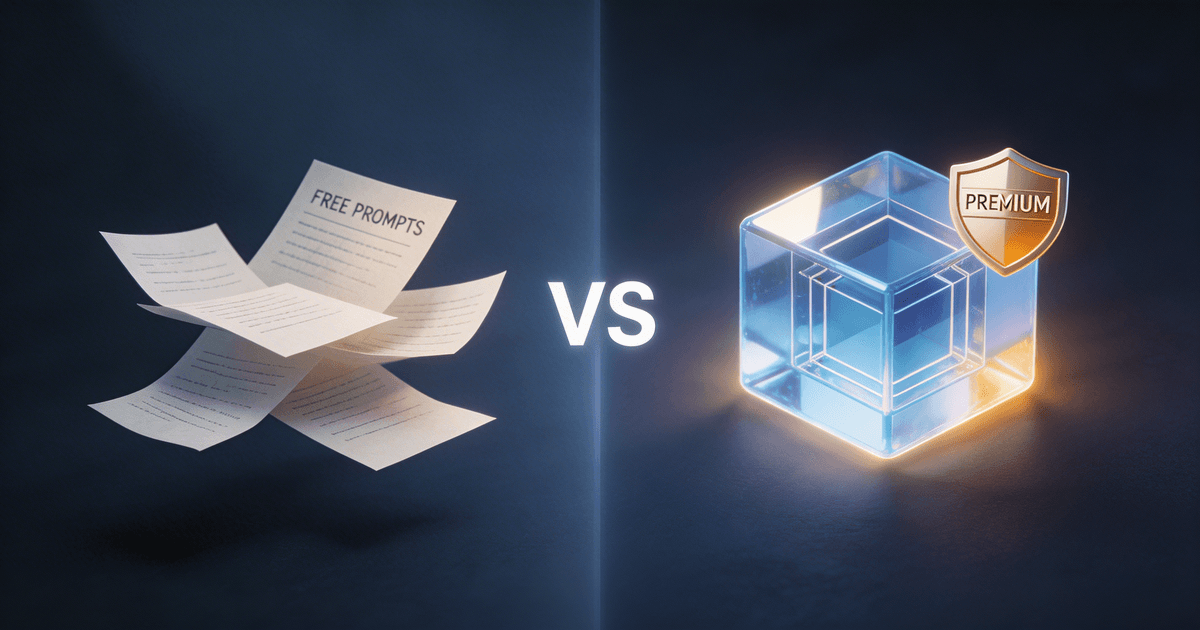
Custom GPTs were supposed to be the answer. Build your own AI assistant, give it instructions, upload some files, and let it handle your content workflow. Millions of creators tried it. Most of them stopped using their Custom GPTs within a few weeks.
The problem wasn't the idea — it was the execution. Custom GPTs are tightly coupled to ChatGPT, limited in how you can structure instructions, and impossible to move to another platform. If you've been wondering whether there's a better option, AI skills are worth understanding.
Here's how the two approaches actually compare — and where each one makes sense.
What Custom GPTs actually are
A Custom GPT is a ChatGPT wrapper. You give it a name, write some instructions in a text box, optionally upload reference files, and it becomes a chat-based assistant inside ChatGPT. You interact with it through conversation.
For creators, the typical use case is something like: "I built a Custom GPT that writes YouTube scripts in my style." You chat with it, give it a topic, and it produces a script.
That works — to a point. But Custom GPTs have real limitations that show up fast:
- ChatGPT only. Your Custom GPT doesn't work in Claude, Cursor, Claude Code, or any other AI tool. Switch platforms and you start from scratch.
- Flat instruction format. You get one text box for instructions. No way to break complex workflows into modular steps, separate examples from instructions, or organize a multi-stage process.
- No version control. Edit your GPT's instructions and the old version is gone. No way to track what changed or roll back.
- Conversation-dependent. Every interaction starts a new chat. There's no persistent workflow structure — you're re-explaining context every session.
- Discovery is a mess. The GPT Store has millions of entries with no quality control. Finding a well-built Custom GPT for your specific creator niche is like searching for a needle in a haystack of mediocre chatbots.
Custom GPTs are fine for simple, chat-based tasks. Ask a question, get an answer. But for structured content production — the kind of repeatable, multi-step workflows that actually save creators time — they fall short.
What AI skills are
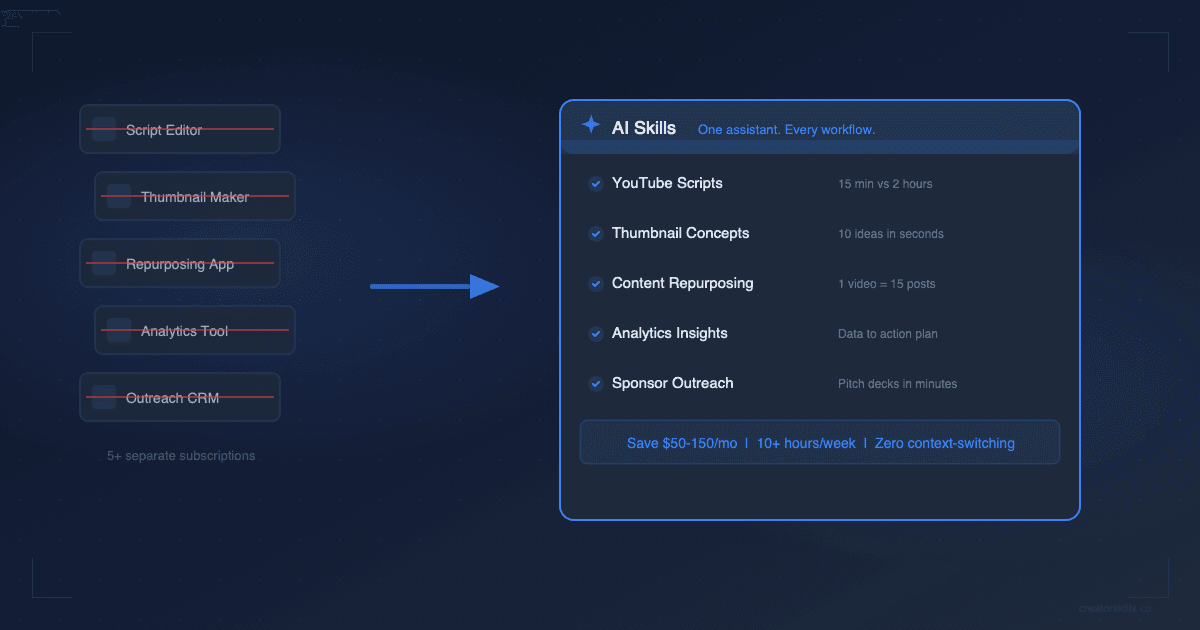
An AI skill is a portable, structured set of instructions designed to produce specific, high-quality output. Instead of one blob of text in a chat window, a skill is typically 3 to 10 files that work together:
- Core instructions that tell the AI exactly how to approach your task
- Step-by-step workflows for multi-stage processes (research, draft, edit, format)
- Real examples showing what good output looks like
- Output templates matched to your platform's format
- Documentation explaining how to customize the skill for your niche
Skills run on multiple platforms — Claude, ChatGPT, Claude Code, Cursor — because they're built on an open format (SKILL.md with YAML frontmatter), not tied to one company's proprietary system.
The practical difference: a Custom GPT for YouTube scripts gives you a chatbot that writes scripts. A scripting skill gives you a production system that handles hook generation, content structure, retention pacing, and CTA placement — and works the same whether you're in Claude or ChatGPT.
The comparison that matters
| Custom GPTs | AI Skills | |
|---|---|---|
| Platform | ChatGPT only | Claude, ChatGPT, Claude Code, Cursor |
| Format | Single instruction block + uploaded files | Multi-file structured workflows (3-10 files) |
| Portability | Zero — locked to ChatGPT | Full — open SKILL.md format works anywhere |
| Workflow depth | Conversational Q&A | Multi-stage production pipelines |
| Customization | Edit the instruction box | Modular files you can mix, match, and extend |
| Version control | None | Files on disk — use Git, Dropbox, whatever you want |
| Quality control | GPT Store has no curation | Curated marketplace with reviews and ratings |
| Output consistency | Varies by conversation | Structured templates produce repeatable results |
| Cost | Requires ChatGPT Plus ($20/mo) | One-time purchase, use on any platform |
The biggest gap is portability. If you use Claude for long-form writing and ChatGPT for quick tasks (a lot of creators do), a Custom GPT only helps you in one of those places. An AI skill works in both.
Where Custom GPTs still win
Custom GPTs aren't useless. They have real advantages for certain workflows:
Conversational tasks. If your workflow is genuinely back-and-forth — brainstorming video ideas, getting feedback on drafts, asking follow-up questions about analytics — a Custom GPT's chat-first design works well. You're having a conversation, not running a production pipeline.
Quick personal assistants. Need a GPT that knows your brand guidelines and answers one-off questions? A Custom GPT handles that fine. The limitation is when you need structured, repeatable output — not when you need a knowledgeable chatbot.
Web browsing and plugins. Custom GPTs can browse the web and use third-party plugins. If your workflow requires pulling live data during the conversation, that's a genuine advantage.
Zero setup. If you already pay for ChatGPT Plus, building a Custom GPT takes five minutes. No files to download, no installation, no learning a new tool.
Where AI skills pull ahead
For the workflows that actually eat up creators' time — content production, repurposing, scripting, optimization — skills are the stronger choice:
Multi-platform flexibility. You tried Claude and liked it better for scripts? Just install the same skill there. You started using Cursor or Claude Code for your workflow? Same skill, same results. Custom GPTs leave you rebuilding from scratch every time you switch tools.
Structured output quality. A skill with dedicated instruction files, examples, and output templates produces more consistent results than a Custom GPT's single instruction block. When you're writing your fifth YouTube script of the week, consistency matters more than flexibility.
Repeatable workflows. Skills are designed around the workflows creators actually repeat: repurposing a YouTube video into 10 social posts, turning a podcast into a newsletter, generating a week of content from one long-form piece. Custom GPTs handle individual tasks. Skills handle entire production pipelines.
You own the files. A skill lives on your computer as markdown files. Back them up, version them, modify them, share them with your team. A Custom GPT lives on OpenAI's servers — if they change their platform, your workflow changes with it.
One-time cost. Most skills on CreatorSkills are a one-time purchase. Custom GPTs require an active ChatGPT Plus subscription ($20/month) just to use them. Over a year, the math isn't close.
The decision matrix
Here's a quick way to figure out which format fits your situation:
| Your situation | Best choice |
|---|---|
| You only use ChatGPT and don't plan to switch | Custom GPT |
| You use (or want to use) multiple AI tools | AI Skill |
| You need a chatbot for brainstorming and Q&A | Custom GPT |
| You need repeatable content production workflows | AI Skill |
| You want something up and running in 5 minutes | Custom GPT |
| You want structured, consistent output every time | AI Skill |
| You're on a tight budget and already pay for ChatGPT Plus | Custom GPT |
| You want to pay once and own the workflow forever | AI Skill |
| Your workflow involves live web browsing | Custom GPT |
| You need multi-stage pipelines (research → draft → edit → format) | AI Skill |
Most creators land on skills once they have a repeatable workflow they want to optimize. Custom GPTs are a reasonable starting point for experimentation, but they become limiting fast once you're producing content consistently.
Making the switch (or using both)
You don't have to pick one. A lot of creators use Custom GPTs for casual brainstorming and AI skills for their core production workflows. That's a solid setup.
If you're currently relying on Custom GPTs and hitting their limits, here's how to transition:
- Identify your repeatable workflows. What do you produce every week? YouTube scripts, social posts, newsletters, podcast show notes? Those are skill candidates.
- Browse skills built for your creator type. Check the CreatorSkills marketplace — skills are organized by category and tagged by platform, so you can find exactly what fits your workflow.
- Install and customize. Skills come with documentation and examples. Install one, run it, and adjust the instructions to match your voice and format. The modular file structure makes this straightforward.
- Keep your GPTs for chat tasks. Anything conversational — brainstorming, feedback, quick questions — can stay in your Custom GPT setup. Let skills handle the structured work.
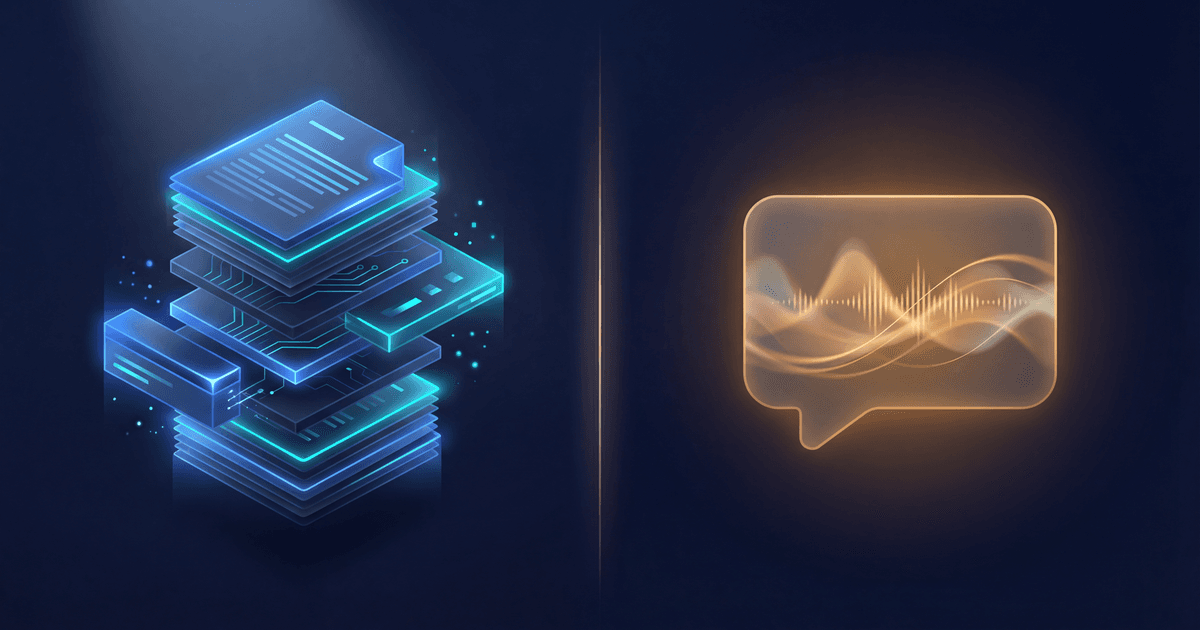
The goal isn't to abandon everything you've built. It's to put the right tool on the right job. Custom GPTs are chatbots. AI skills are production systems. Know which one you need, and your content workflow gets faster either way.
About the author
CreatorSkills.co
Caleb Leigh is the founder of CreatorSkills. He previously founded Visuals by Impulse — the world's premier design marketplace for live streamers, serving 400,000+ creators before its acquisition by CORSAIR. He now leads AI and automation at Elgato while building tools for the creator economy.
Read the founder profile